Microsoft 365 Report Message Button
Providing your users with a centralized and user-friendly way to report phishing, junk, and non-junk emails is a great quality-of-life improvement for everyone.
In this post, I’ll cover step-by-step how to deploy the Microsoft Report Message add-in for Microsoft Outlook with Microsoft 365.
- Login to the Microsoft 365 admin center.
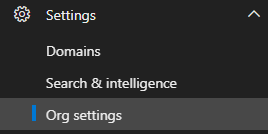
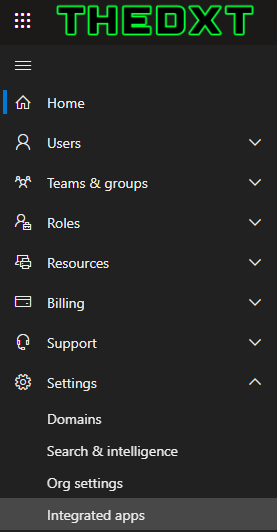
- Click on Settings > Integrated apps
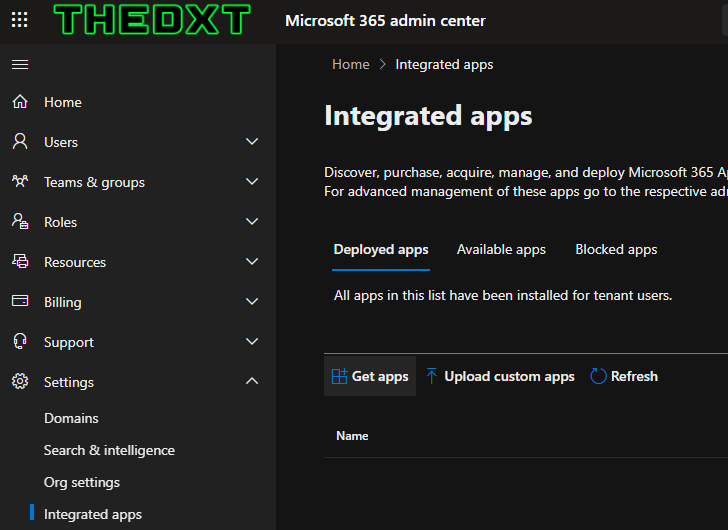
- Click on Get apps
- Search for Report Message