VMware vCenter OVA Certificate Trust
Typically, importing an OVA or OVF file is straightforward. However, after VMware vCenter version 7.0 Update 2, a new message began appearing when importing an OVA or OVF file. The message would say that the certificate is not trusted.

Technically speaking, you could click ignore and keep going. However, I didn’t want to do that.
In this post, I will show you step-by-step how to resolve the certificate is not trusted warning without clicking ignore.
The Process
Make sure you only follow this process on an OVA file you’ve received from a trusted source and that you’ve verified its authenticity.
- Open the OVA file with a program like 7-Zip.
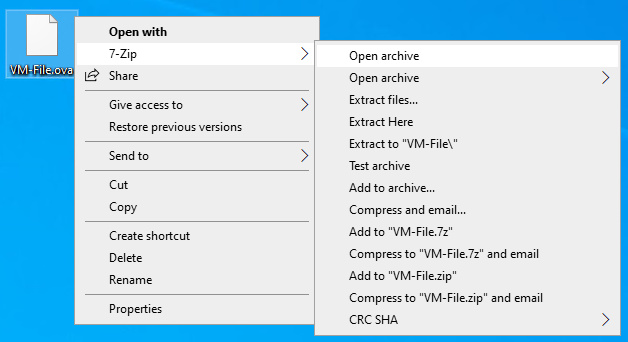
An OVA is technically a tar archive, which is why we can view its contents with most zip programs.
- Extract the
.certfile from the OVA file.
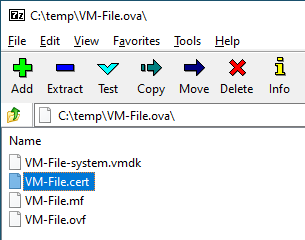
- Rename the
.certfile to.cer.

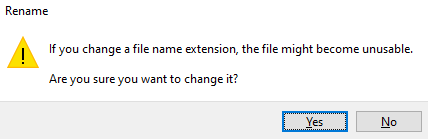
- Click Yes to confirm the file name extension rename.
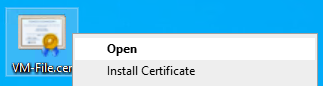
- Open the
.cerfile.
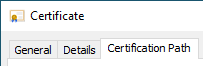
- Click on the Certification Path tab.