Enable Windows 10 Extended Security Updates
On October 14, 2025, Windows 10 reached end of life and no longer receives updates. To keep getting updates, you must upgrade to Windows 11 or enroll in the Windows 10 ESU (Extended Security Updates) program.
In this post, I will show you step by step how to enable the commercial Windows 10 Extended Security Updates and how to mange ESU in non-persistent VDI setups.
Perquisites
- Windows 10 ESU MAK.
Once you have purchased Windows 10 ESU, you will receive a MAK (Multiple Activation Key).
- Windows 10 version 22H2.
- Windows 10 LTSB or LTSC are not eligible for ESU.
- The following updates must be installed.
- 2025-10 Cumulative Update for Windows 10 Version 22H2 (KB5066791) or newer.
- 2025-11 Security Update for Windows 10 Version 22H2 (KB5072653) installed after KB5066791.
- 2025-10 Cumulative Update for Windows 10 Version 22H2 (KB5066791) or newer.
The Process
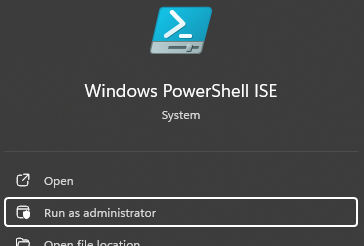
- Open Command Prompt or PowerShell as admin.
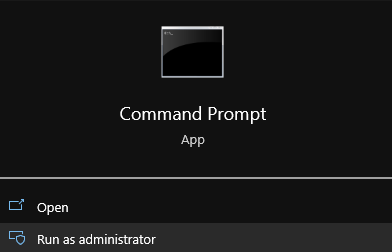
We will use slmgr.vbs which you can use directly or call it from csript. I will call it from csript to keep everything in the command line window. To use csript with slmgr.vbs we just need to prefix the slmgr.vbs command with cscript C:\Windows\System32\.
If you want to read more about slmgr.vbs, my blog post slmgr.vbs goes into detail.
- First, we need to install the Windows 10 ESU MAK product key. We will do this with the following command
slmgr.vbs /ipk YOUR_ESU_PRODUCT_KEYreplaceYOUR_ESU_PRODUCT_KEYwith your Windows 10 ESU MAK product key.

Next, we need to activate the specific ESU component by using its Activation ID.
…