Install Matrix
At EUC World Amplify 2025, I gave a presentation titled “Transforming Chaos into Control: Mastering Windows App Deployments with Intune“. The presentation covered the ways I’ve been deploying applications with Intune that aren’t just repackaging the same Win32 application each time there’s an update. Instead, I package a PowerShell script as a Win32 application.
If you are interested in the presentation, I created a landing page on GitHub that includes the PowerPoint file. You can find that on my GitHub here.
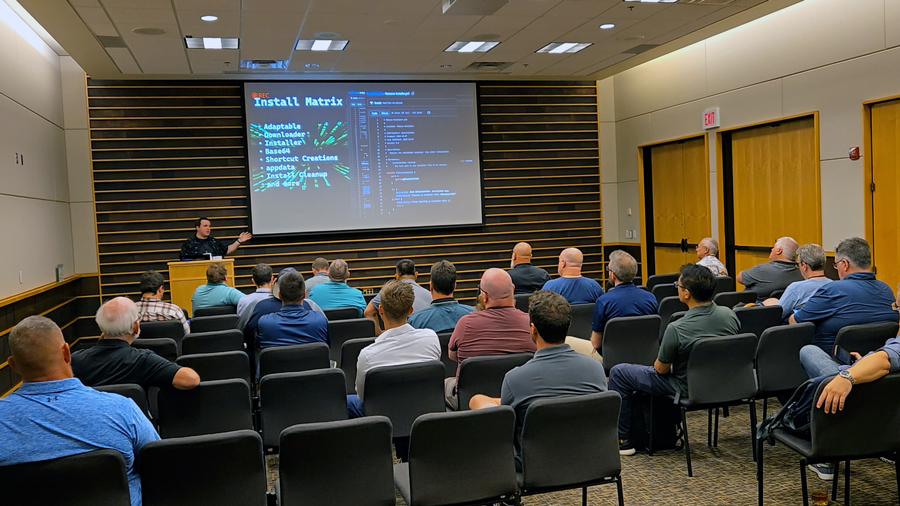
During the presentation, I introduced a GitHub project called the Install Matrix that I created in collaboration with a coworker. The goal of the Install Matrix is to modularize each part of a PowerShell install script into functions that can be reused in new PowerShell scripts to install applications. The Install Matrix helps reduce duplicate work, making it quick and easy to package applications and reducing overhead when updating them.
You can check out the Install Matrix GitHub repo here https://github.com/thedxt/Install-Matrix
In this post, I’ll show you how you can use the Install Matrix in your own PowerShell scripts.
Putting it Together
When creating a PowerShell application install script with the Install Matrix, the first step is to set the script’s defaults. Typically, this will include the temp folder, the silent install arguments, and a download URL.
Usually, I define these as CmdletBinding, allowing for simple parameter changes if needed.
Example
  [CmdletBinding()]
  param (
      [string]$TempDir = "C:\Temp",
      [string]$InstallArgs = '/S',
      [string]$DownloadUrl = "https://download.website.com/program.exe"
  )Code language: PowerShell (powershell)
For the download URL, if the application vendor doesn’t have an always-current URL, I recommend setting up your own URL shortener so you can update the URL for new versions without changing the script or repackaging.
…