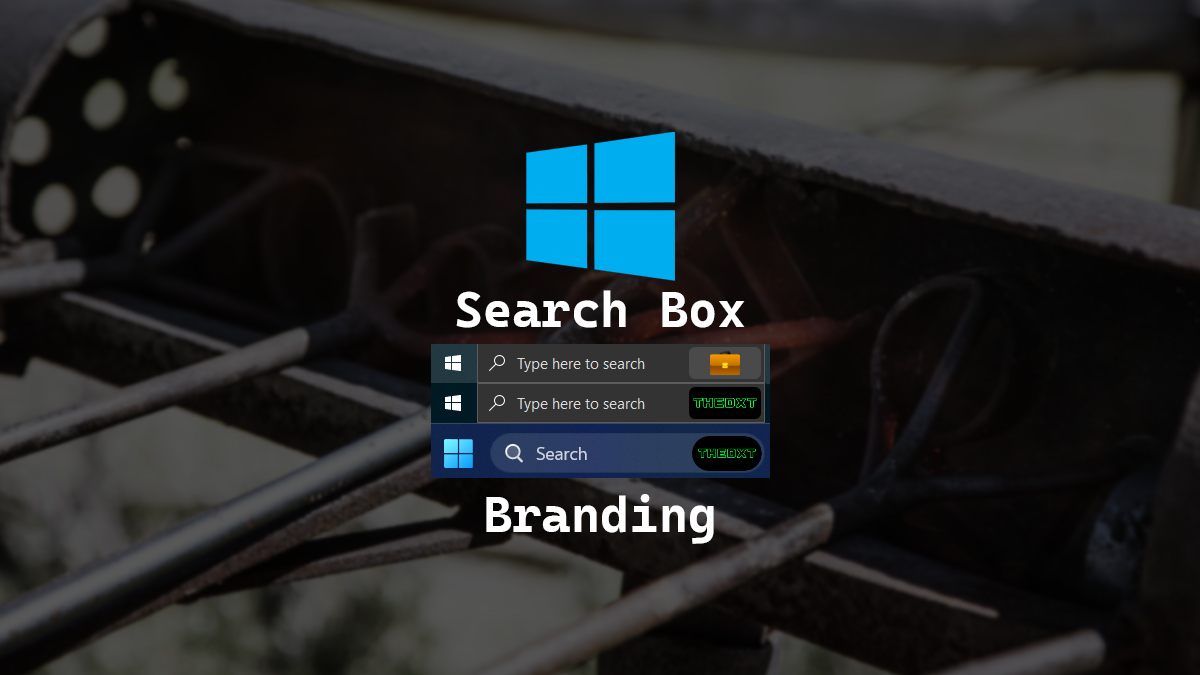
Windows Search Box Company Branding
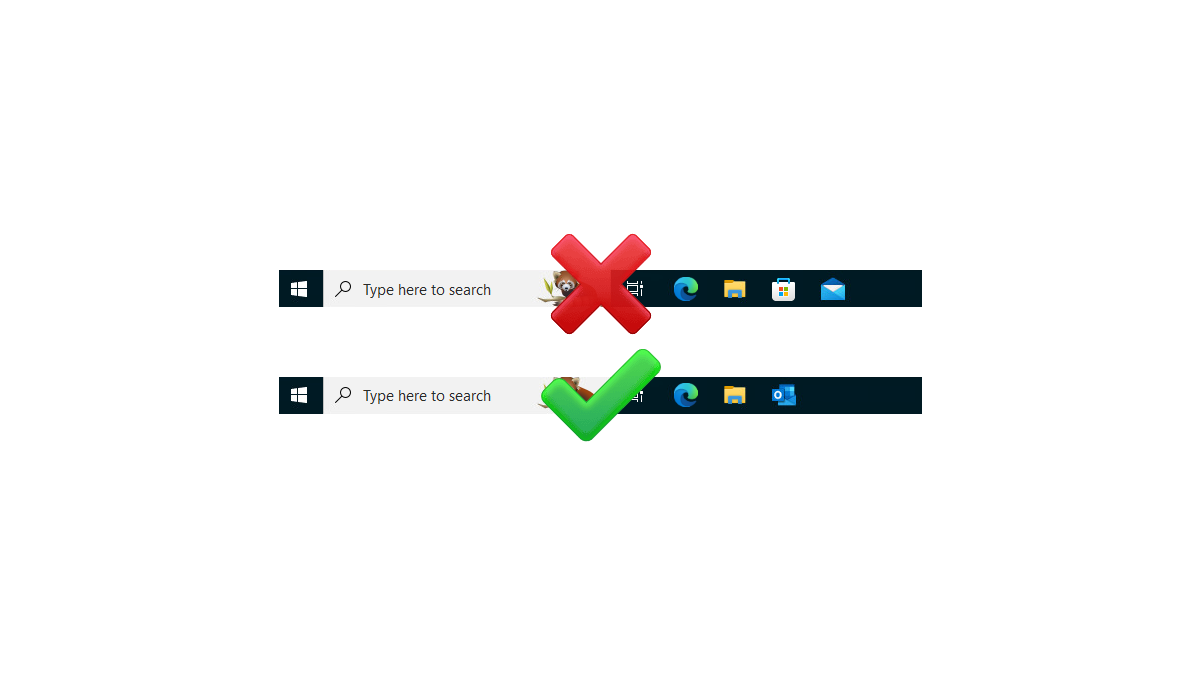
A while back I saw someone’s computer that had a company logo in the Windows taskbar; it looked super slick. I wanted to duplicate the same thing in my setup.
The documentation on what causes a company logo to show up in the search box in the Windows taskbar and the Windows start menu is kind of lacking however, after playing around I figured it out. It’s the custom default theme in Microsoft 365 that will cause the organization logo to show up on Windows devices connected to a Microsoft 365 tenant be it joined or just registered devices.
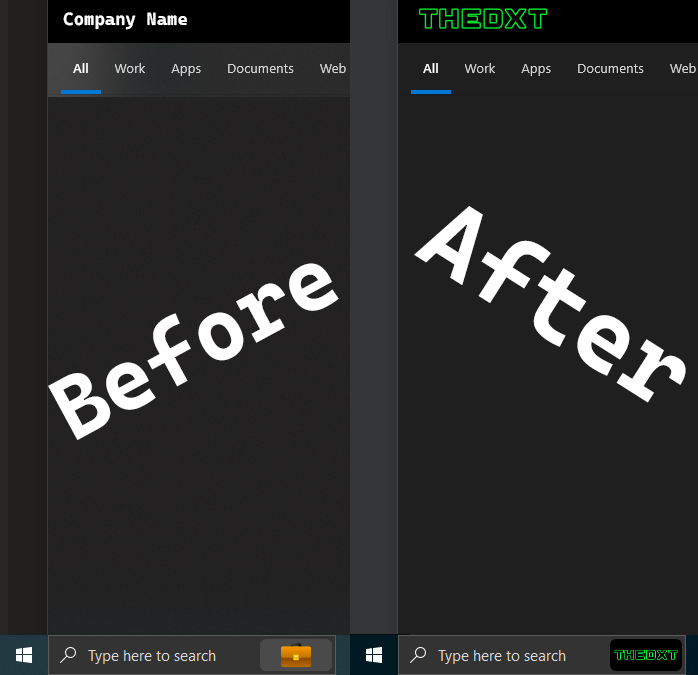
In this post, I will show step-by-step how to add a custom default theme to your Microsoft 365 tenant that will also apply to the search box in the taskbar of Windows devices. This works on Windows 10 and Windows 11.
The Process
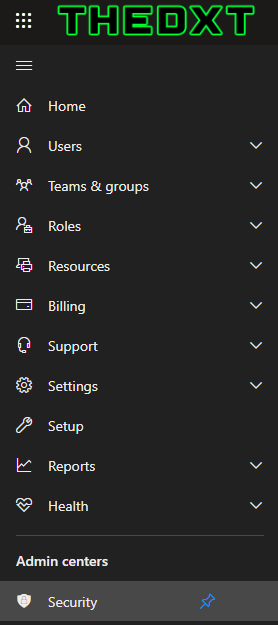
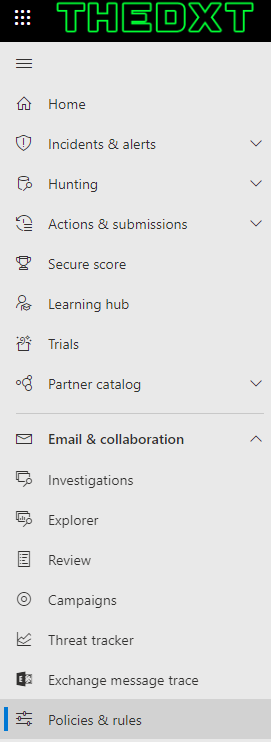
- Login to the Microsoft 365 admin center
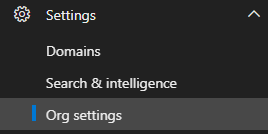
- Click on Settings > Org settings
- Click Organization profile