Skip to content
theDXT
  • Home
  • IT
  • Scripts
  • GitHub
  • LinkedIn
  • X (Twitter)
  • Search Icon
GPO Export and Import

GPO Export and Import

December 4, 2020

You’ve spent many hours perfecting your GPO (Group Policy Object) and you have it perfect and you want to import it to another location and well you could look at manually comparing all the settings but no one has time for that. There’s an easier way.

  • Open up Group Policy Management on the server that has the GPO you want to export
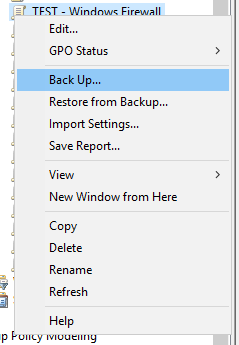
  • Right click on your GPO and select Back Up
  • Give it a location to put the backup
  • Wait for it to backup your GPO

After that I Zip up the folder but you don’t need to do that

  • Copy the backup to the destination server
  • Open up Group Policy Management on the server that you want to import the GPO to
  • Make a new GPO and Name it what you want (this is the GPO that we will import the backed up GPO into)
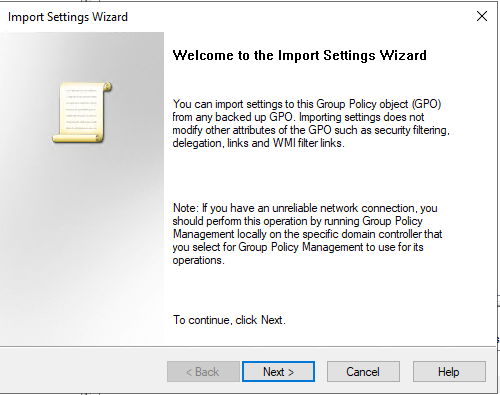
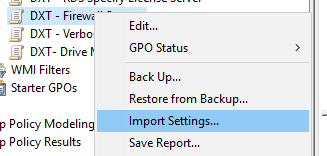
  • Right click on your GPO and select Import Settings
  • Click Next
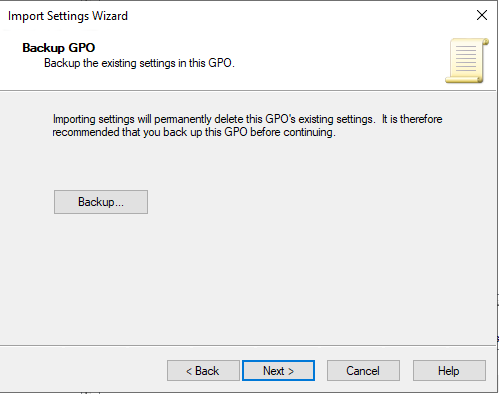
  • Click on Next again
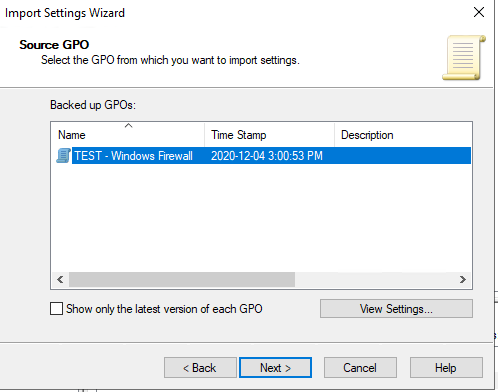
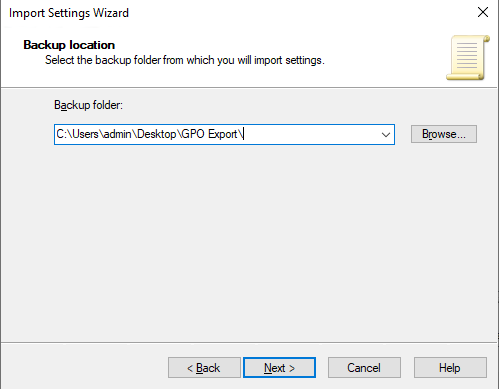
  • Select the location where you put the exported GPO
  • Click Next
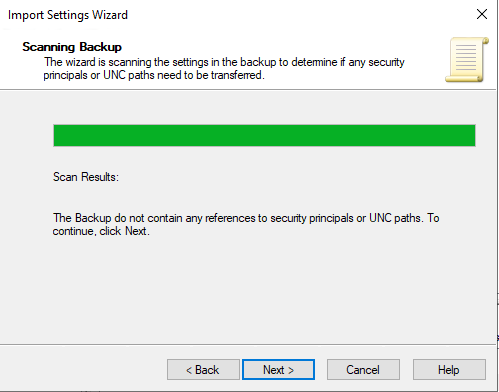
  • Click Next
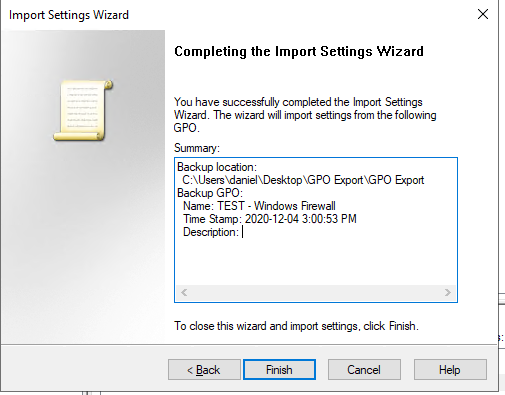
  • Click Finish

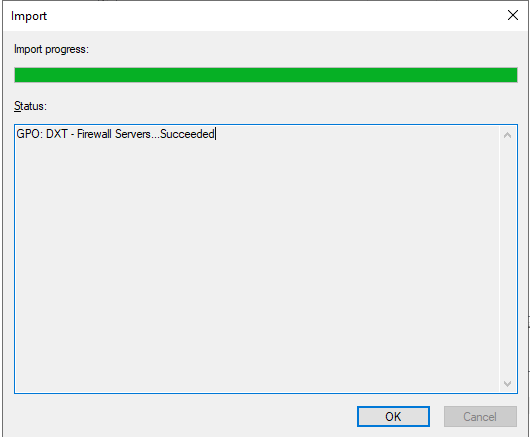
You have now imported the exported GPO into your new GPO
Related posts:

Export a Certificate with MMC UniFi Network Server Settings Backup and Export Install PFX Certificate in Windows Create Active Directory Central Store

IT
Active Directory, GPO, How To

Post navigation

PREVIOUS
Convert a system with VMware Converter
NEXT
Azure IP Downloader v1

One thought on “GPO Export and Import”

  1. Pingback: Create Active Directory Central Store - theDXT

Leave a Reply Cancel reply

Your email address will not be published. Required fields are marked *

About Me

Daniel Keer

Project Lead, Senior Consultant at Digitally Accurate Inc.

Awards and Certificates
VMware vExpert ⭐⭐⭐
Omnissa Tech Insider ⭐⭐

Consulting

Stuck on something? Reach out to Digitally Accurate Inc. and we can provide expert IT consulting to help you move forward.

  • Enable Windows 10 Extended Security Updates
  • slmgr.vbs
  • CyberChef
  • Install or Upgrade Duo Authentication for Windows Logon
  • Install Matrix
© 2026   Copyright. All Rights Reserved.