Palo Alto Config Set Commands
By default Palo Alto Networks firewalls export their configuration as an XML file which is great however, I’m more used to set commands such as the ones commonly used in switches. Fortunately, there’s a way to have the best of both worlds.
In this post, I’ll show you step-by-step how to output the Palo Alto running config to set commands and show a way to export it.
The Process
- Connect to the firewall with SSH (I’ll be using PuTTY)
- Run the following command to change the command output from XML to set commands
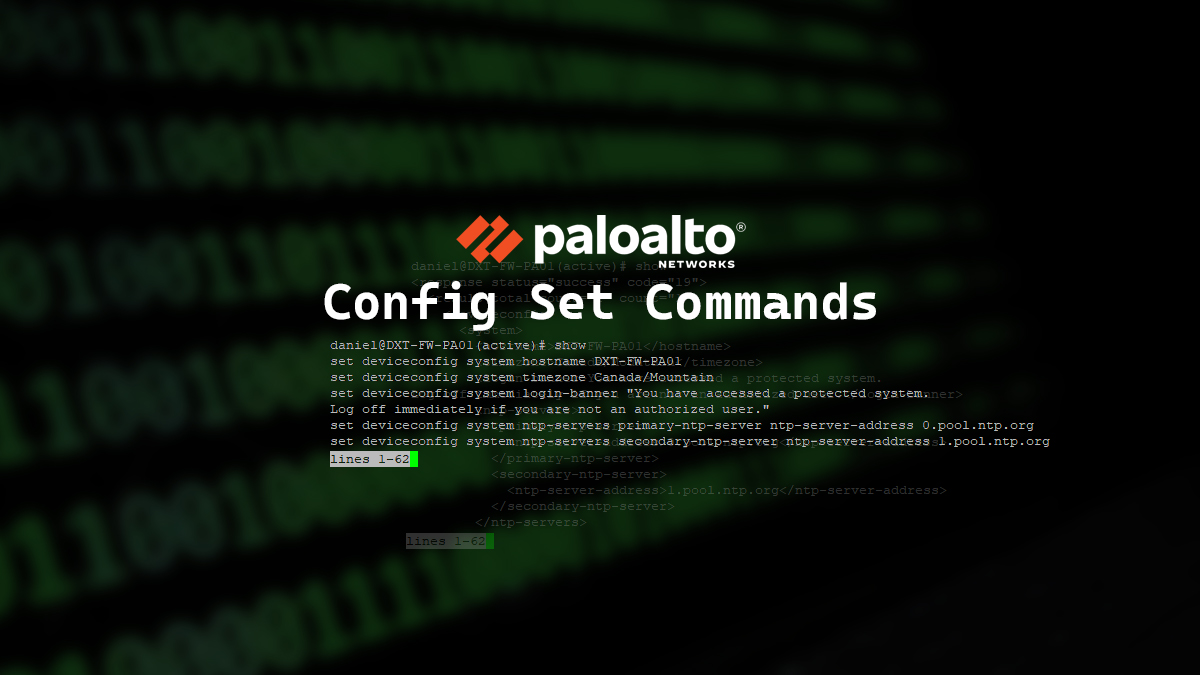
set cli config-output-format set

- Enter the configuration mode by running the following command
configure

- Now when you run the
showcommand it will show you the set command versions of the configuration.

Exporting
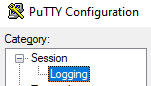
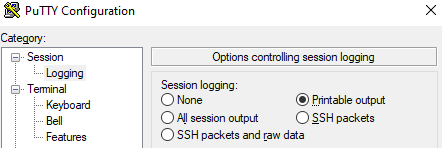
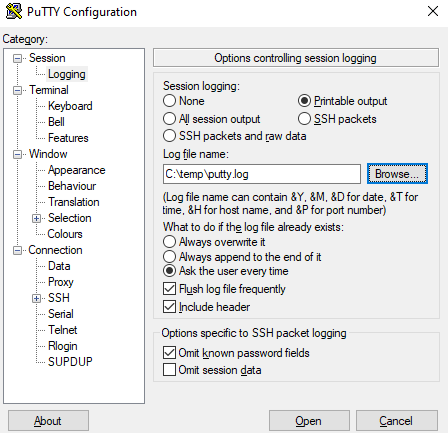
I wasn’t able to find a way to easily export the running config of PAN-OS in the set format without using paid tools like Kiwi CatTools however, I did find a workaround by using PuTYY logging.
…