Delete Microsoft 365 Tenant
There are various reasons why you may need to delete a Microsoft 365 tenant. The most common one I run into is after a corporate merger or acquisition. In this post, I will show step-by-step how to delete a Microsoft 365 tenant.
Prerequisites
- All invoices are paid
- All domains are removed other than the CompanyName.onmicrosoft.com domain name
- All users are deleted and deleted from deleted users except for one Global Admin.
- All App registration and Enterprise applications are deleted.
- No Azure subscriptions.
- All licenses are deleted and removed.
Completing all of those perquisites will take time and sometimes things are stuck but it is possible to complete all of them.
The Process
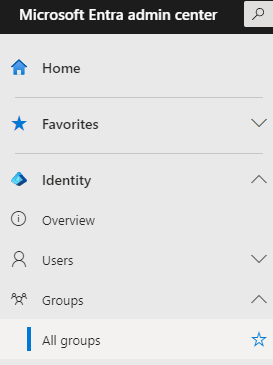
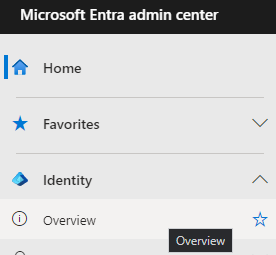
- Login to Entra admin center
- Click on Identity > Overview
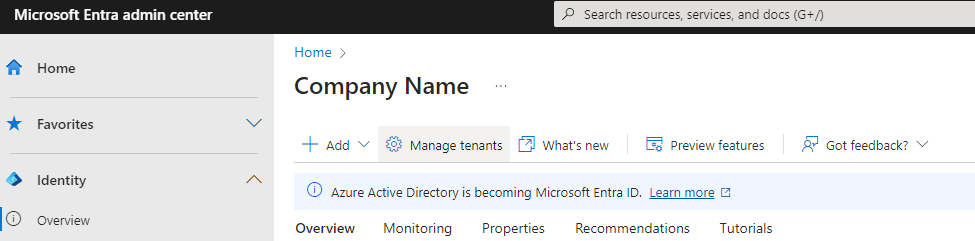
- Click on Manage tenants
- Select the tenant and click Delete
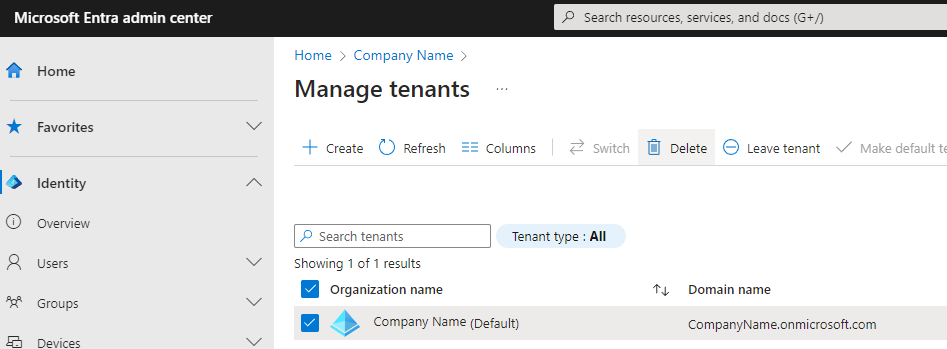
- It will check if the tenant can be deleted.