TrueNAS Install Tweaks
I’m a long-time user of TrueNAS going back to the days when it was still called FreeNAS. I’ll always love the FreeNAS logo. In this post, I’ll go over step-by-step some of the tweaks that I like to make on a fresh install for TrueNAS specifically TrueNAS Core or TrueNAS Enterprise.
The Tweaks
HTTPS Redirection
HTTPS is always a good idea. Here is how to enable HTTP to HTTPS redirection.
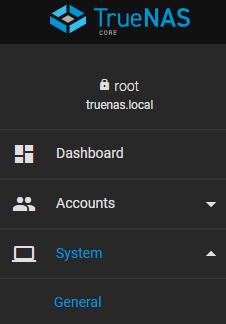
- Click on System > General
- Select Web Interface HTTP -> HTTPS Redirect and click Save.
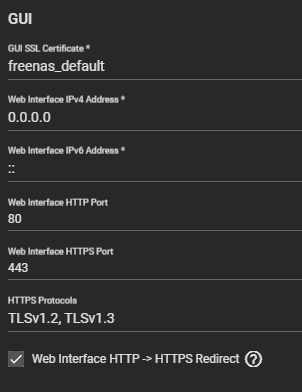
- Confirm that you are restarting the web service by selecting Confirm and click on Continue.
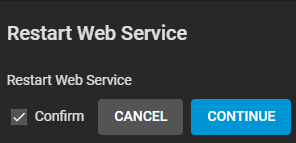
Now if you try to access your TrueNAS on HTTP it will automatically send you over to HTTPS.
Autotune
Autotune is a Python script that is created by iXsystems that will automatically optimize your TrueNAS. If you want to see what the script is doing here is the location of it /usr/local/bin/autotune this is on by default on systems purchased from iXsystems.
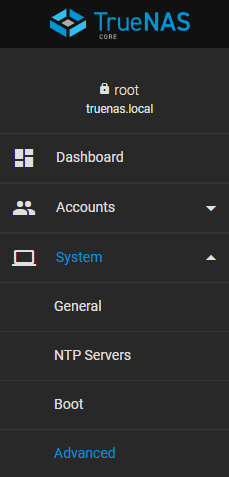
- Click on System > Advanced