VMware Horizon GPO Templates
In this post, I will detail step-by-step how to install the Omnissa Horizon (formerly VMware Horizon) GPO templates.
Technically speaking you can fully use Horizon without any of the GPO templates however there are a lot of useful settings in them that you can configure.
Before installing the Horizon GPO templates I recommend you create a Central Store. Here’s how to Create Active Directory Central Store.
I recommend making a note that you’ve added an extra GPO template to the Central Store.
The Process
- Download the Horizon GPO Bundle from Omnissa.
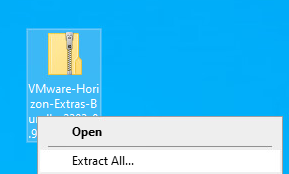
- Extract the contents of the VMware Horizon Extra Bundle zip file.