Omnissa Unified Access Gateway Certificate Install
Installing your own certificate is one of the first things you’ll need to do when setting up the Omnissa Unified Access Gateway appliance (formerly the VMware Unified Access Gateway appliance).
In this post, I will detail step-by-step how to install a certificate on the VMware UAG.
Prerequisites
- Exported certificate in a PFX file. If you need to learn how my post on Exporting a Certificate with MMC details all the steps.
The Process
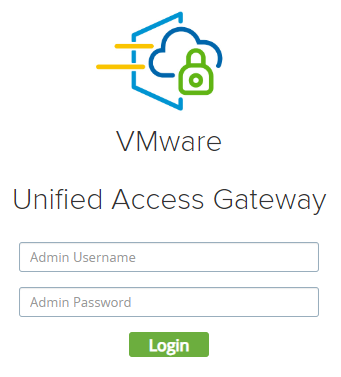
- Login to the UAG
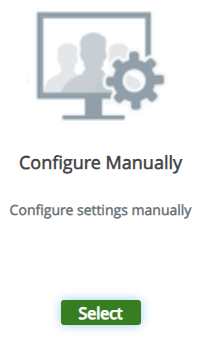
- Select Configure Manually.
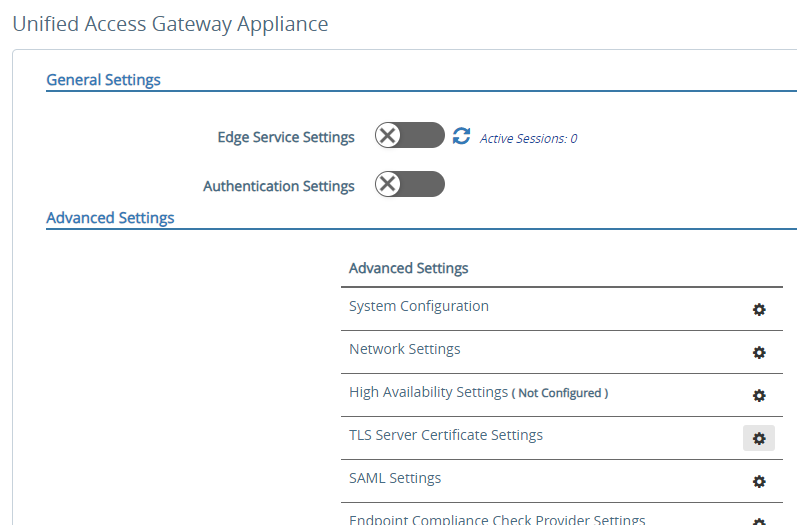
- Under Advanced Settings, click on TLS Server Certificate Settings.