Configure Omnissa UAG with Omnissa Horizon
In this post, I will show you step by step how to configure the Omnissa UAG (Unified Access Gateway) to work with Omnissa Horizon (formerly VMware Horizon).
Prerequisites
- Horizon connection server installed.
If you need to learn how, my post Install Horizon Connection Server details all the steps.
- Horizon connection server with a certificate installed.
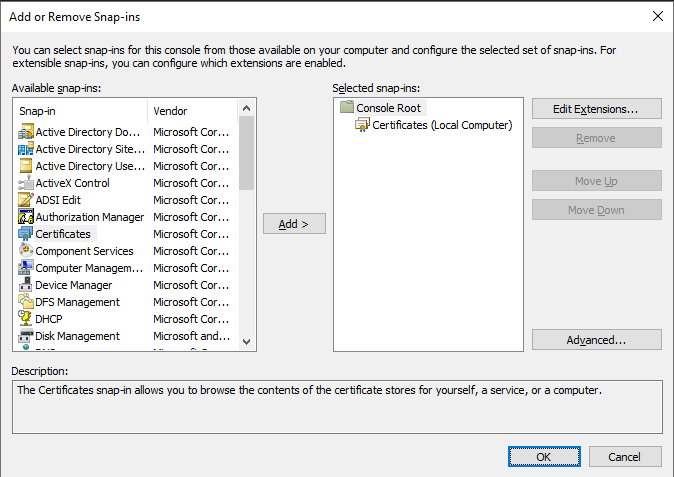
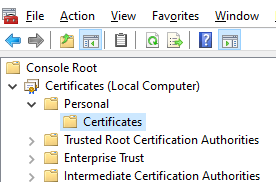
- Horizon connection server certificate thumbprint.
If you need to learn how, my post Install Omnissa Horizon Connection Server Certificate details all the steps.
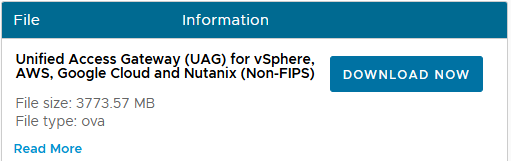
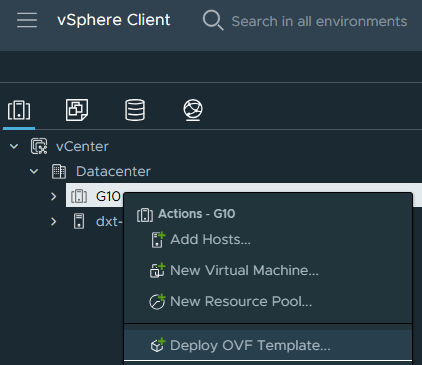
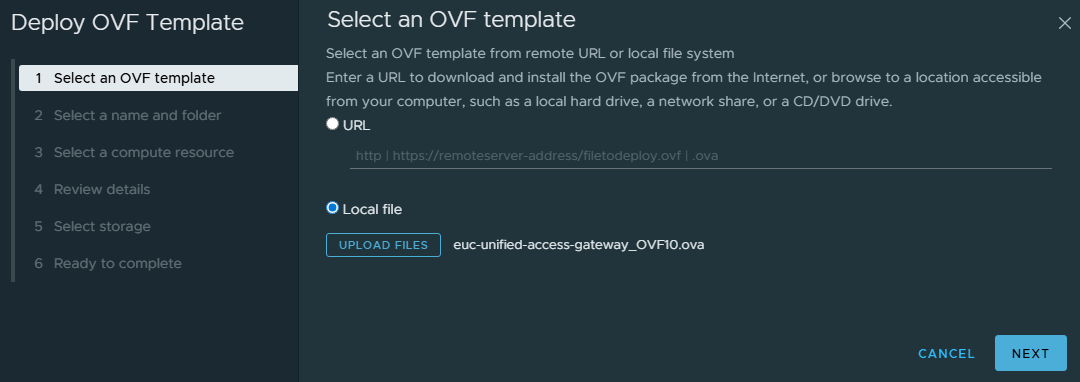
- UAG deployed.
If you need to learn how, my post Deploy Omnissa UAG on VMware vCenter details all the steps.
The Process
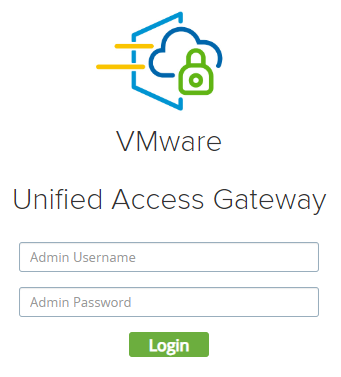
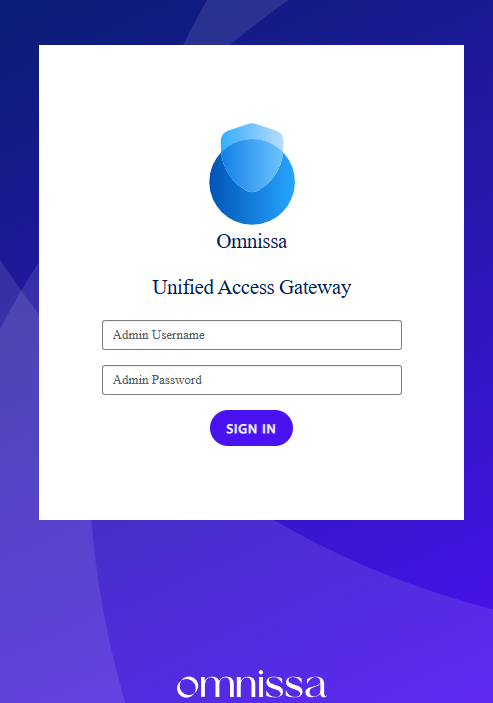
- Log in to the UAG.
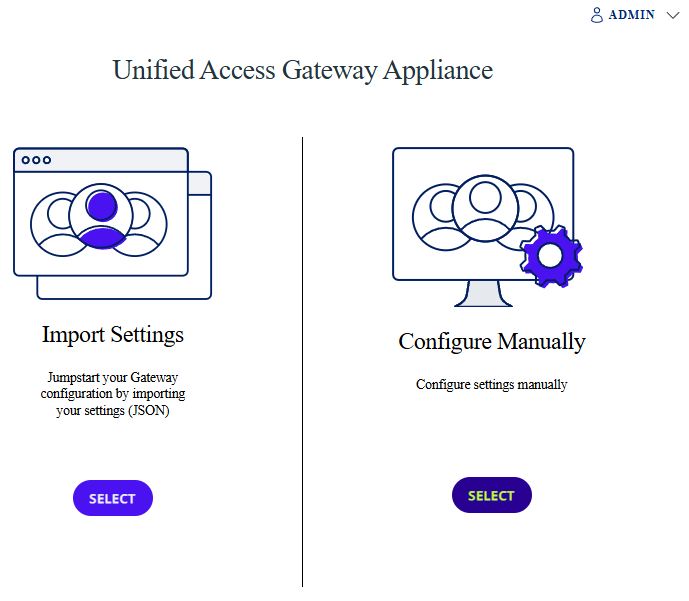
- Select Configure Manually.
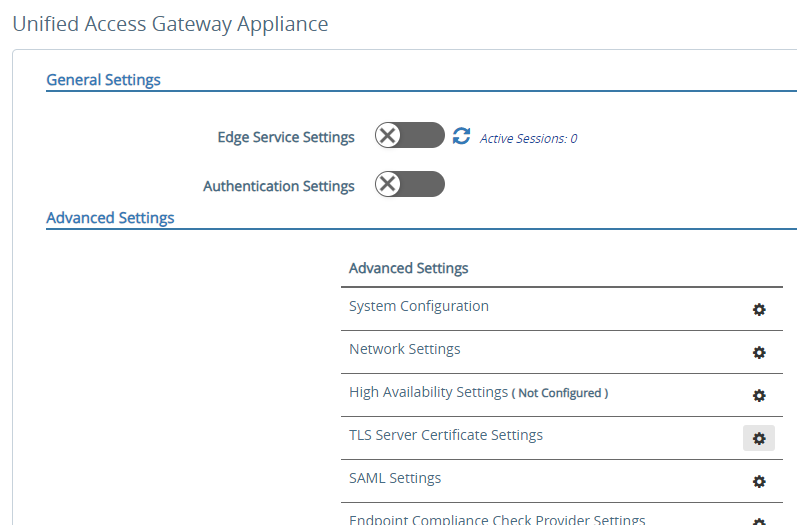
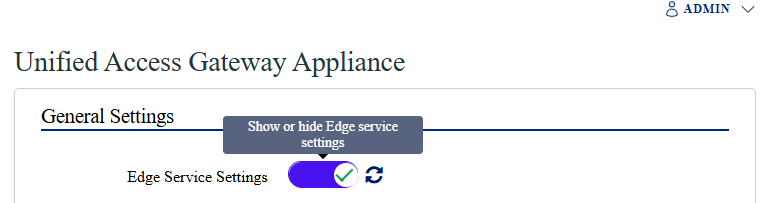
- Click the Edge Service Settings toggle to view the settings.
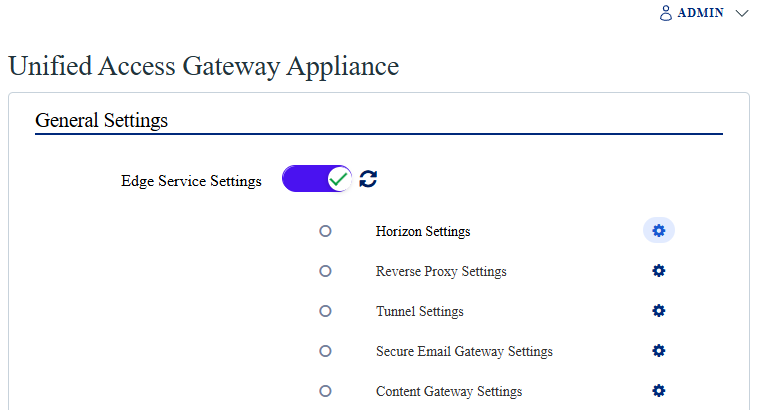
- Click the gear icon next to Horizon Settings.
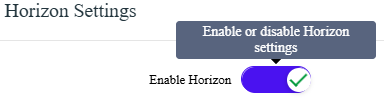
- Click the toggle to Enable Horizon to view the Horizon settings.