VMware Home Lab Licensing
One of many advantages of passing the VCP-VCF (VMware Certified Professional – VMware Cloud Foundation) exam is that you can get access to home lab licensing. The license is valid for 365 days and can be used in non-production environments. An extra bonus is that if you also happen to have a VMUG Advantage subscription, you can renew the licensing for another 2 years.
In this post, I will show you step-by-step how to get your VMware home lab licensing after passing a VMware qualifying exam.
The Process
- To start, you need to pass the VCP-VCF exam. If you haven’t passed it yet, I’ve created the blog post, Passing VCP-VCF Admin Exam, which covers what I did to pass my VCP-VCF Admin exam.
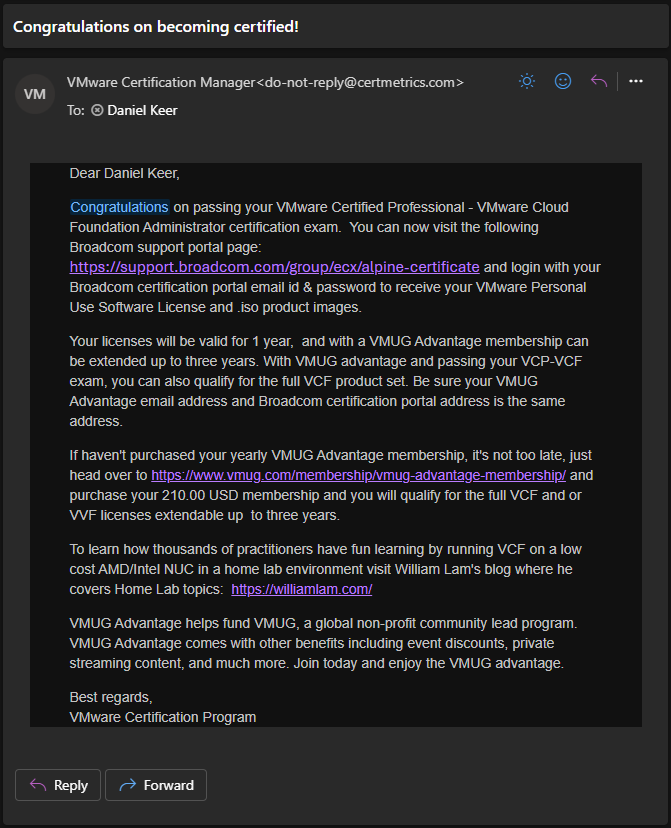
- Once you pass the exam, you will receive an email letting you know that you are eligible for home lab licenses.
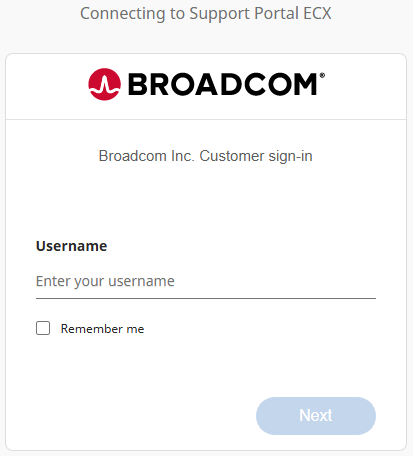
- Log in to the Broadcom Support portal https://support.broadcom.com/ using the same account you used to register for the VMware exam.
- Go to the following URL https://support.broadcom.com/group/ecx/alpine-certificate
- You will now see a list of the licenses you can request.
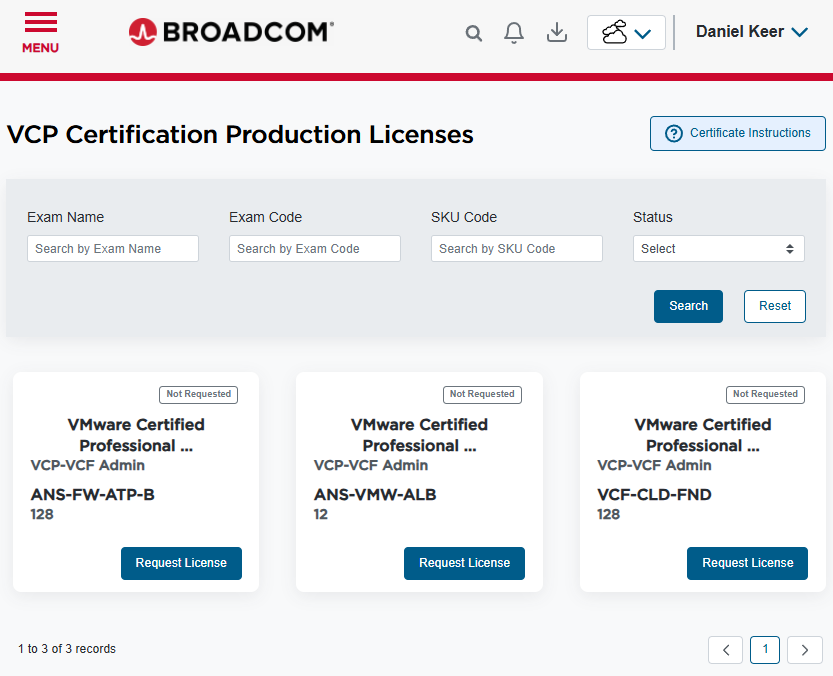
- Currently, the licenses you can request after passing the VCP-VCF Admin exam are:
- VCF-CLD-FND is VMware Cloud Foundation
- ANS-FW-ATP-B is VMware vDefend Firewall with Advanced Threat Prevention (Bundle)
- ANS-VMW-ALB is VMware Avi Load Balancer (Enterprise)
- Click on Request License for each license you would like to request.
- Once you request a license, the status will change from Not Requested to Pending.
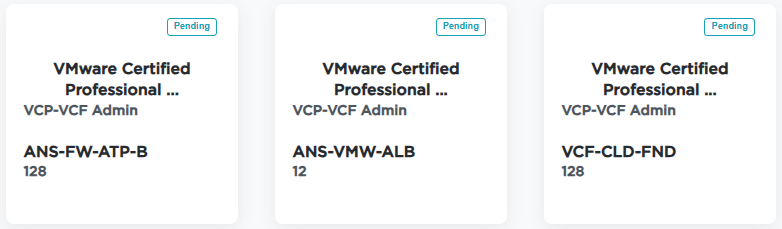
- Behind the scenes, Broadcom is processing everything. During the processing, you will get a few emails.
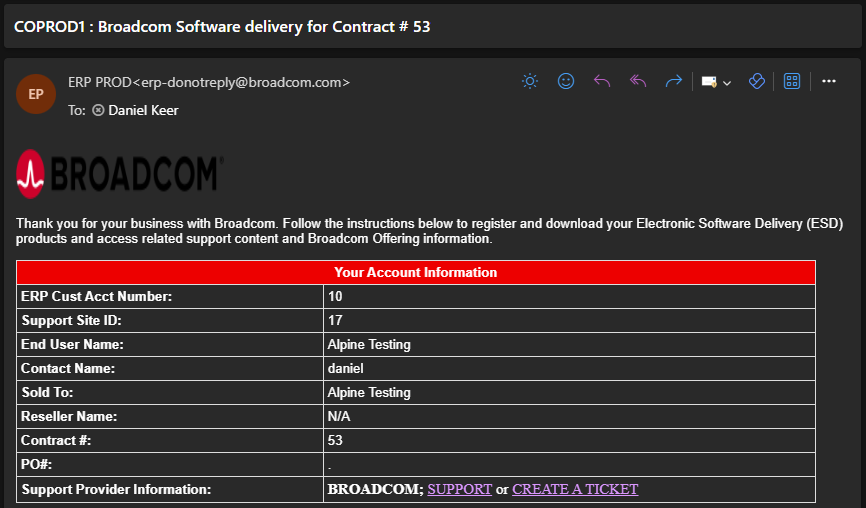
- The first email you will receive is similar to the standard email when you purchase a VMware product from Broadcom. Even though the email will list a Site ID, you can’t associate your account with it.
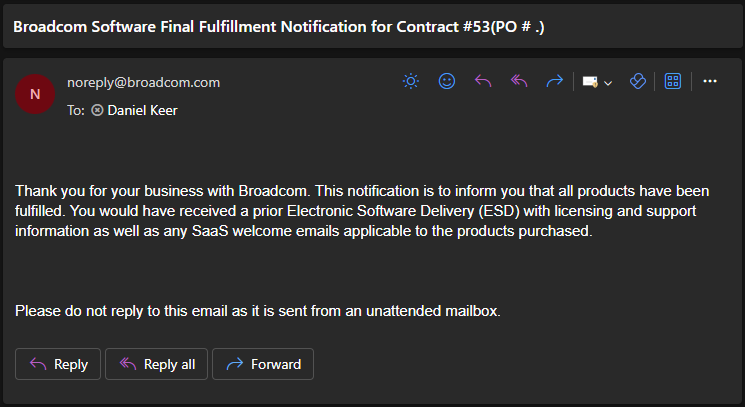
- The following email you receive will inform you that the software has been fulfilled. However, you can’t access your licenses just yet.
- If you wait about one more hour, when you check the VCP Certification Licenses page, you will see that the licenses now have an expiry date along with a download icon and a license icon.
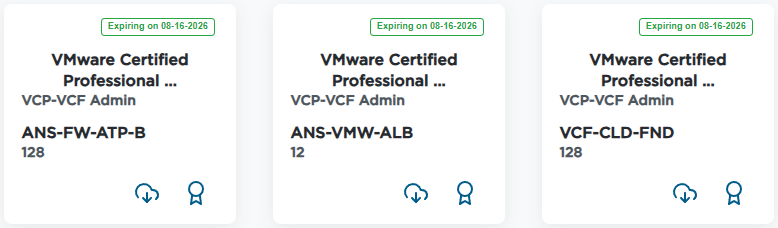
Currently, the product keys you get access to are for VCF 8. Broadcom has an ongoing project to enable access to VCF 9 licensing for home labs.
Update
VCF 9 licensing is now enabled. For more information my blog post VMware Home Lab Tokens goes into detail.
That’s all it takes to get your VMware home lab licenses after passing your VCP-VCF exam.
For more information about the whole process, check out the VMUG Advantage Home Lab License Guide by Eric Nielsen on the VMware Code blog.


One thought on “VMware Home Lab Licensing”