Cisco UCS Reset FlexFlash Controller
Cisco UCS can sometimes trigger a false positive alert of FFCH_ERROR_CARDS_ACCESS_ERROR on the FlexFlash controller, which typically has the fault ID of F1262.
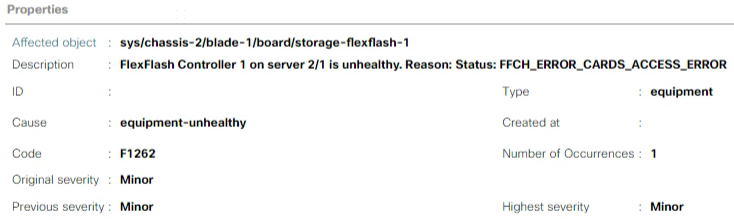
Depending on your setup, you should investigate the alarm appropriately. If, after your investigation, you determine that the fault is a false positive, the first step is to reset the FlexFlash controller.
In this post, I will show you step-by-step how to reset the FlexFlash controller to clear the FFCH_ERROR_CARDS_ACCESS_ERROR alert.
The Process
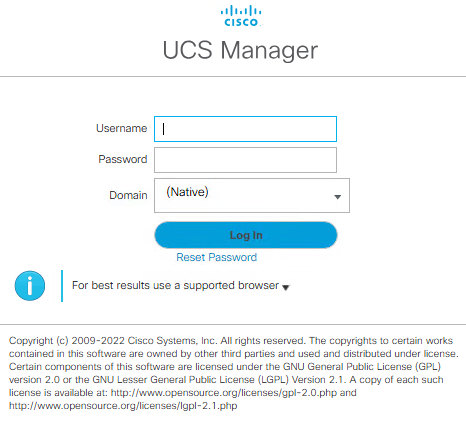
- Log in to the Cisco UCS Manager.
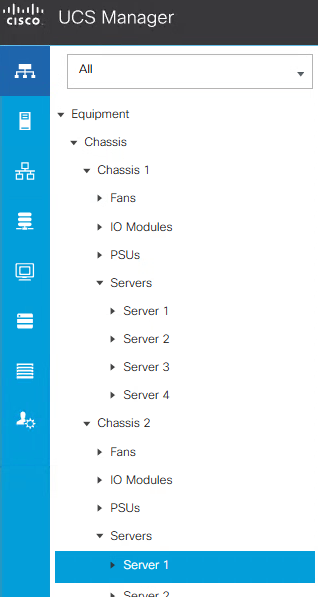
- Click on the Equipment tab.

- Select the chassis and blade that has the FlexFlash fault.
I will select chassis 2 and blade 1.
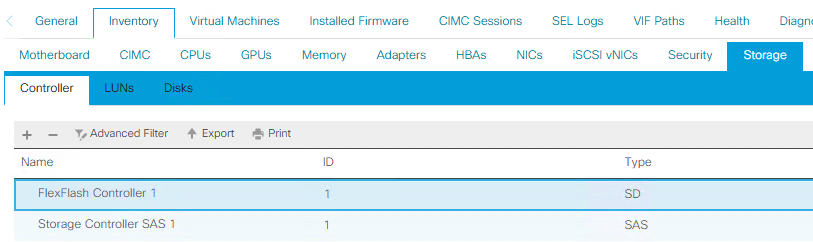
- Click on the Inventory tab.

- Click on the Storage tab.

- Click on the Controller tab.

- Click on the FlexFlash Controller.
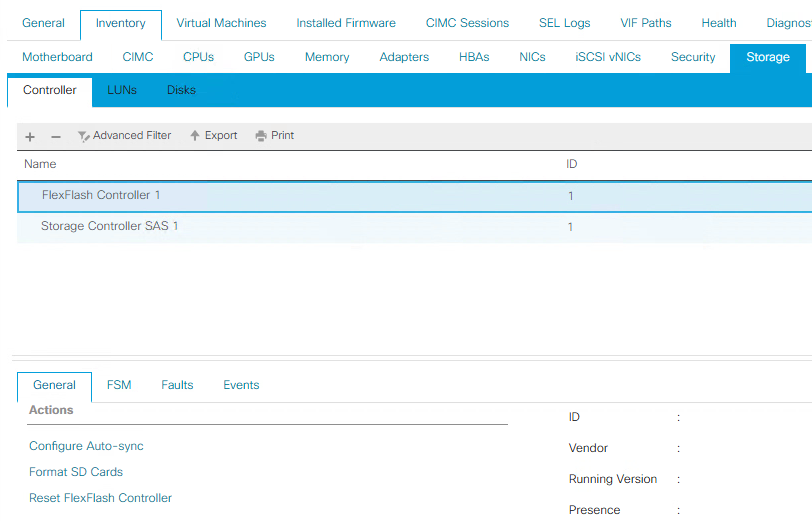
- On the General tab, click on Reset FlexFlash Controller.
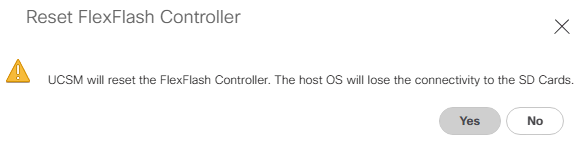
- Click Yes to confirm that you want to reset the FlexFlash controller and that the host OS will lose connectivity to the SD Cards.
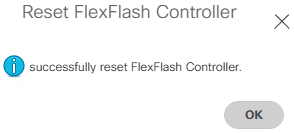
- Click OK to confirm that the FlexFlash controller has been successfully reset.
That’s all it takes to reset the FlexFlash controller on a Cisco UCS. Each time I’ve run into the fault ID F1262 resting the FlexFlash controller would resolve it. If this doesn’t resolve your issue, you may need to reach out to Cisco support.
If you want to read more about the FlexFlash controller, here is the Cisco documentation.