Omnissa Horizon Desktop Pool without vCenter
You usually want to connect Omnissa Horizon (formerly VMware Horizon) directly to VMware vCenter, but it can make sense to leave them disconnected from each other in some situations.
In this post, I’ll show you step-by-step how to install the VMware Horizon Agent without using the VMware vCenter integration. You can do this on persistent VDIs and Physical Machines.
The Process
The configuration will be divided into two sections. The first section covers the steps needed on the system that you will install the VMware Horizon agent on, and the second section covers the steps needed on the VMware Horizon Connection Server.
VMware Horizon Agent
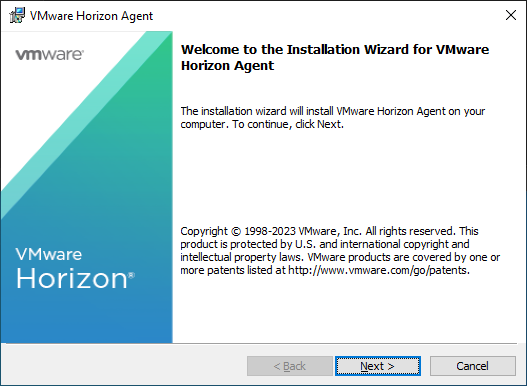
- Launch the VMware Horizon agent install with the command line argument
/v VDM_VC_MANAGED_AGENT=0

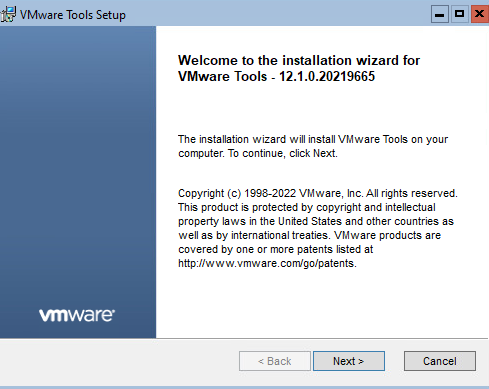
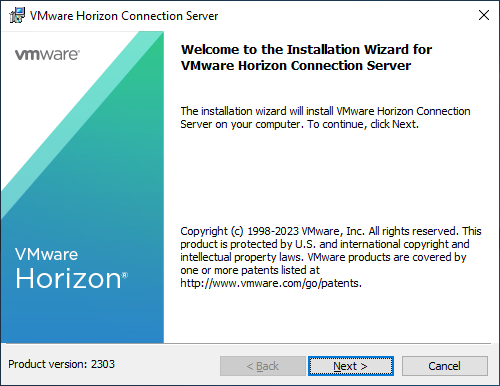
- Click Next
- Agree to the general terms and click Next.

- Select IPv4 and click Next.