Palo Alto Terminal Server Agent Upgrade
Palo Alto Networks makes a program named Terminal Server Agent, aka the TS Agent. It is similar to the User-ID agent. However, the TS Agent is built to identify users on a multi-user system.
In this post, I will show you step-by-step how to upgrade the Palo Alto Networks Terminal Server agent.
Prerequisites
- Verify that the new Terminal Server agent version is compatible with your PAN-OS.
The TS Agent is typically compatible with the same release number along with earlier still-supported PAN-OS versions. For example, TS agent 11.0 works with PAN-OS 11.0 and earlier. You can confirm this by reading the OS Compatibility section in the release notes.
The Process
- Log in to the Palo Alto Networks Customer Support Portal.
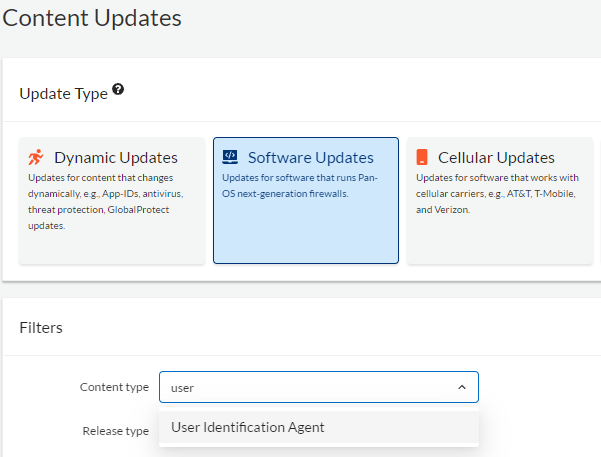
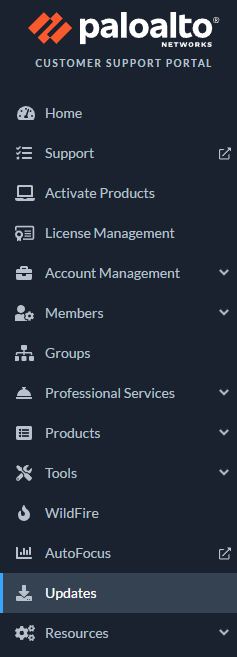
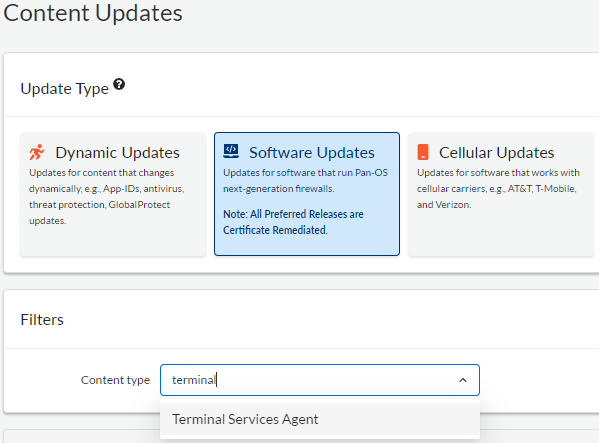
- Click on Updates.
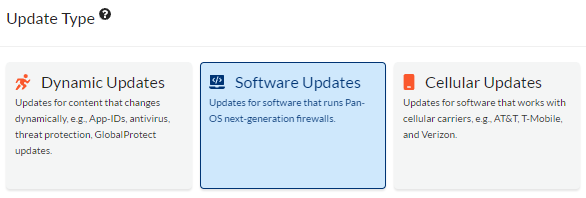
- Click on Software Updates.
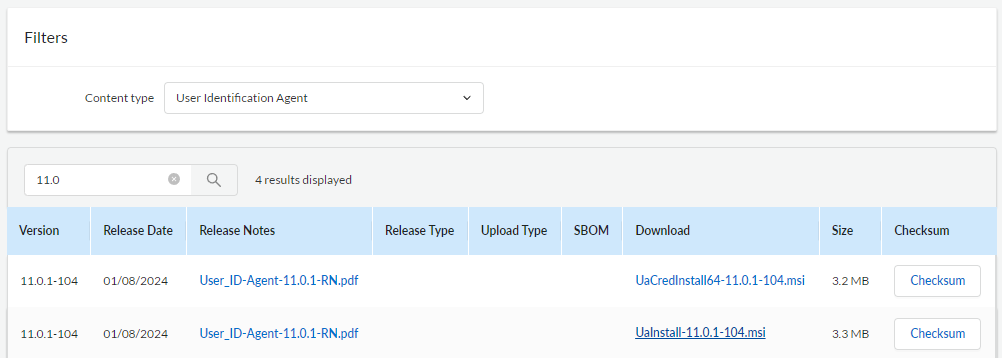
- Select the Terminal Services Agent.
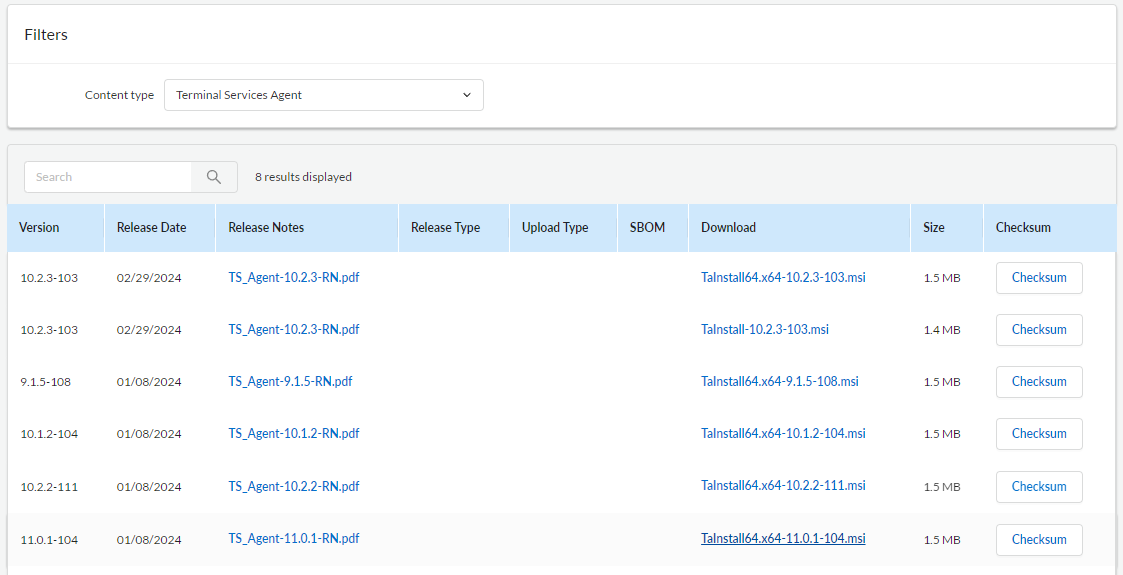
- Click on the version you need to start the download.
- Connect to the system that is running the Palo Alto TS Agent.
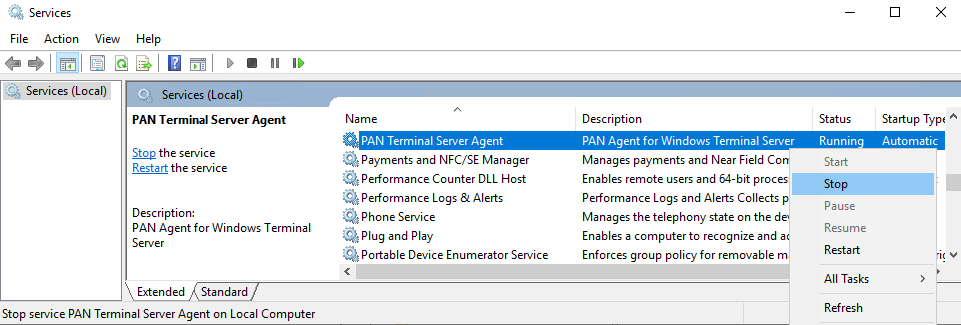
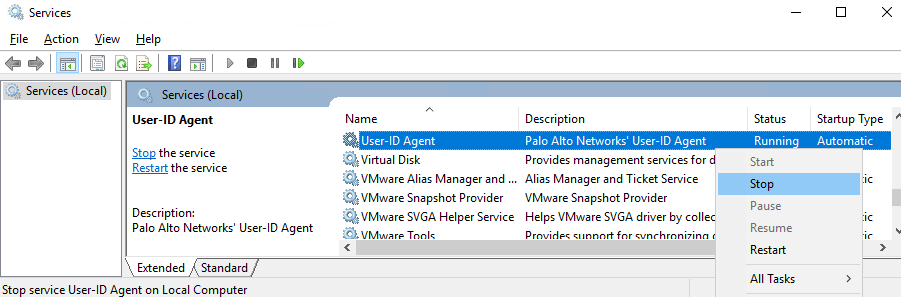
- Open Services.

- Stop the PAN Terminal Server Agent service.