HPE MSA 2040 iSCSI Configuration
I recently deployed an HPE (Hewlett Packard Enterprise) MSA (Modular Smart Array) 2040 SAN (Storage Area Network) Storage unit in my home lab.
In this post, I will show you step-by-step how to set up the HPE MSA 2040 SAN Storage with iSCSI.
The Process
- Login to the HPE SMU (Storage Management Utility).
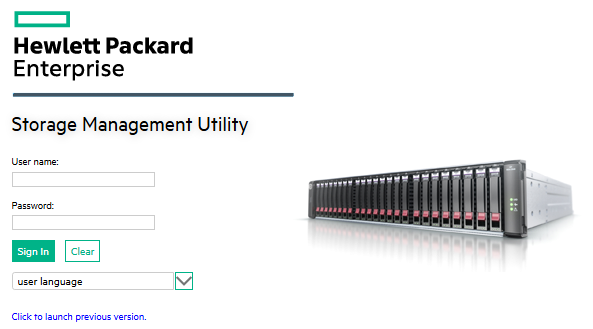
The default username is manage, and the default password is !manage.
Network Setup
The first part we should do is configure the iSCSI network.
- Click on System.
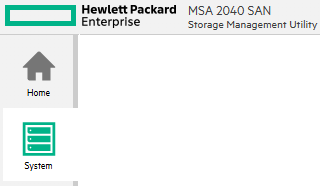
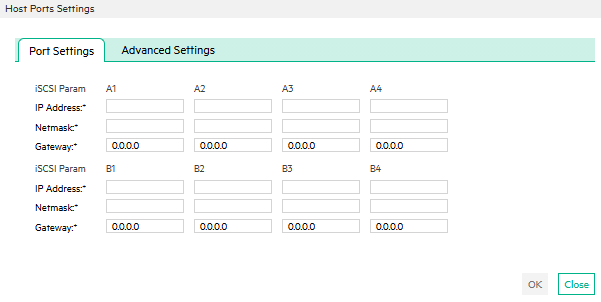
- Click on Action > Set Up Host Ports.
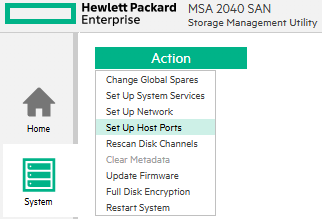
- Configure your ports as needed.
In my setup, ports A1, B1, A3, and B3 are iSCSI path A and ports A2, B2, A4, and B4 are iSCSI path B.
Pool Setup
Next, we should set up our disk pools.
- Click on Pools.
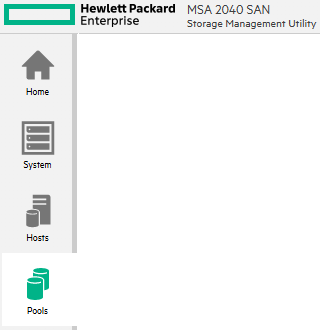
- Click on Action > Add Disk Group.
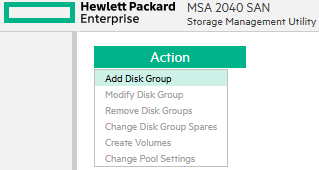
- Select the Type.
I will select Virtual.
- Select the RAID Level.
I will Select RAID-10.
- Select the Pool.
The pool selection is for which controller will be the primary controller for the pool. It’s a good idea to make a disk group per controller to maximize the performance of the MSA.
…