I Went to VMware Explore 2026
This year I attended VMware Explore 2026 in Las Vegas, Nevada, USA, from August 31st to September 3rd at the Venetian Expo.
If you aren’t familiar with VMware Explore, it is a conference hosted by Broadcom about everything VMware. VMware Explore in Las Vegas is the main event, but there is a smaller version held in different cities. The smaller version is called VMware Explore on Tour.
This was my second time attending VMware Explore. The first time I attended was in 2024. You can read about my first experience in my blog post, I Went to VMware Explore 2024.
In this post, I will detail my experience at VMware Explore 2026 in Las Vegas.
Day 0
My VMware Explore 2026 adventure began on Sunday, August 30th, with a travel day. My travel day was a shared one as I was traveling with my friend Stephen Wagner. Our trip to VMware Explore started with a direct flight from Calgary, Alberta, Canada, to Las Vegas, Nevada, USA.
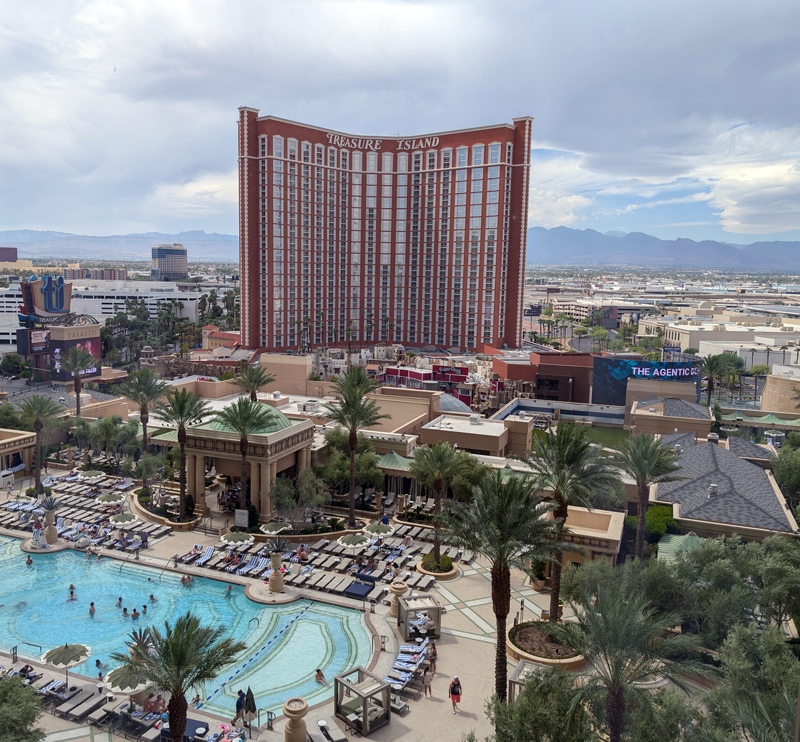
Once we arrived in Las Vegas, I got checked into the Palazzo. This time, my room was on the 9th floor (in 2024, it was on the 35th floor). The view from my hotel room was pretty good. I could actually see the people at the pool. Sadly, I could not see the Vegas Sphere from my room.
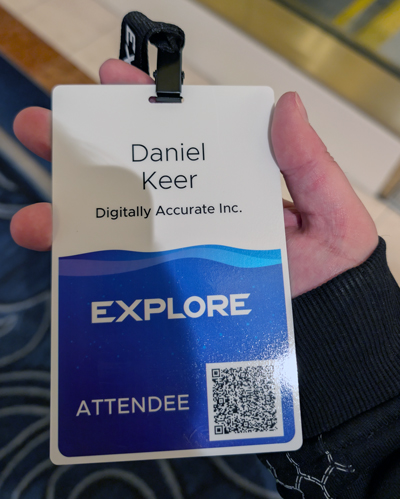
Next, it was time to check in to VMware Explore. This time I had a better sense of where things were and knew that Venetian Expo floor 2 is not floor 2 of the Palazzo, which is the Grand Canal Shoppes. I found registration quickly and checked in.
After registration, I met up with some friends and hung out. Later that evening, I attended a VMUG event called VMUG Warm-Up Party as a Service (WUPaaS) Community Meetup, where I chatted with other VMUG members and reconnected with many friends I hadn’t seen in a while.
Day 1
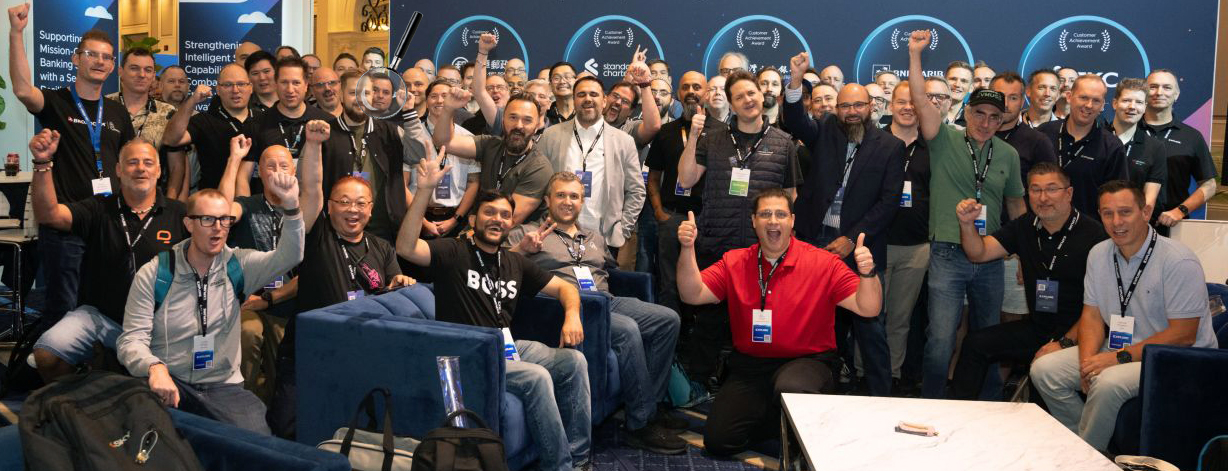
Day 1 began normally with breakfast, then I headed to the VMware Explore conference space. I had received an email from the vExpert program inviting me to interview with the VMware marketing team to get my take on VMware Explore. I completed that, and shortly after, there was the vExpert meetup. All of the vExperts posed for a giant group photo.
After the vExpert meetup, it was time for the session VMware Cloud Foundation Certification 2026: Tips, Tricks, and Guidance from the Global Community [CMTYQT1317LV], which was hosted by my friends Dave Bradley (aka Chicago Dave) and Kristof Asaert. It was also unofficially hosted by me.
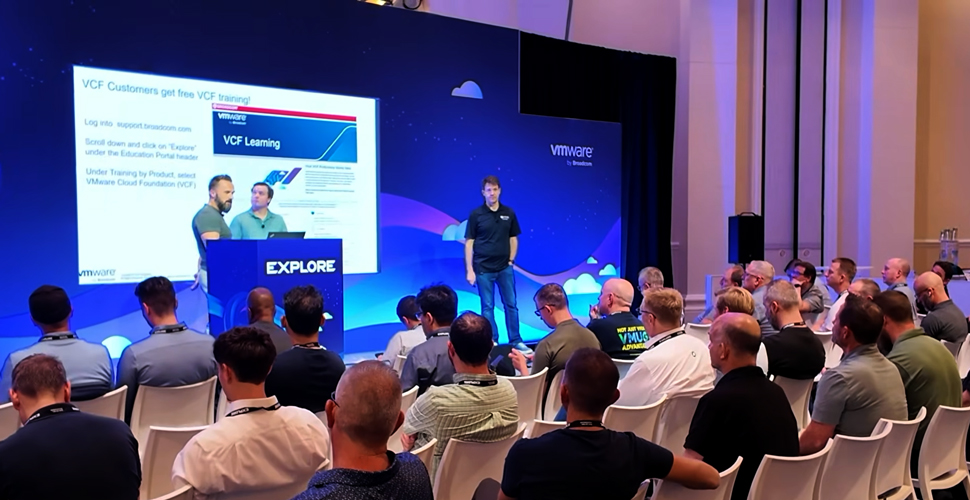
Due to software limitations, Broadcom could not add me as a third presenter, but that did not stop the three of us from presenting together. We planned to show up and see what happened, sharing a microphone if needed. To our surprise, they provided lapel microphones to all three of us.
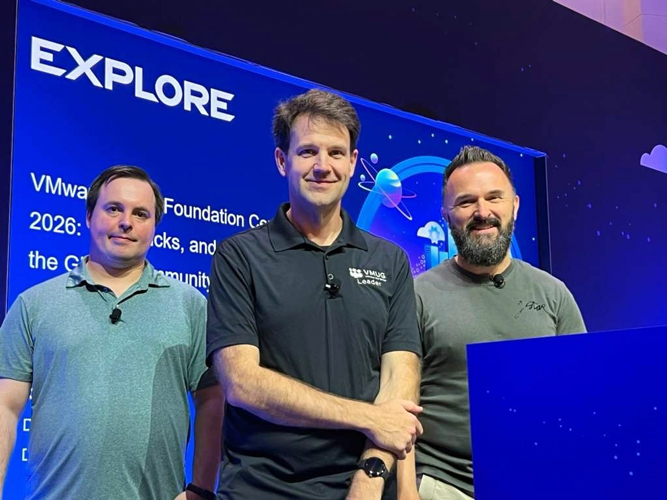
Our presentation was about what the three of us have done to earn various VCP (VMware Certified Professional) certificates, along with tips and tricks everyone can use. We encouraged others to get VMware certifications because it’s free at the conference.
This was my first time doing a shared presentation and being on a stage. It was scary at first, but I’m glad I did it. It was a lot of fun! Our entire presentation was recorded and is available in the Explore video library here.
Later on, I attended the session Shaping the Future of Private AI Cloud and Agentic Innovation [PLE1837LV], aka the keynote. Attending this session was interesting because I randomly received an email saying I could get a VIP seat, and I wondered what that would look like. I decided to find out what that meant. Because I had VIP seating, I was seated in the third row from the stage, which was super cool. The session was all about new features coming to VCF 9.1. The keynote really focused on the new AI features coming soon to VCF.
Broadcom announced that an AI assistant is coming to VCF Operations that can help you diagnose and solve problems in your VCF environment. It could be super useful, especially if it’s trained on all Broadcom KBs and includes context from your environment.
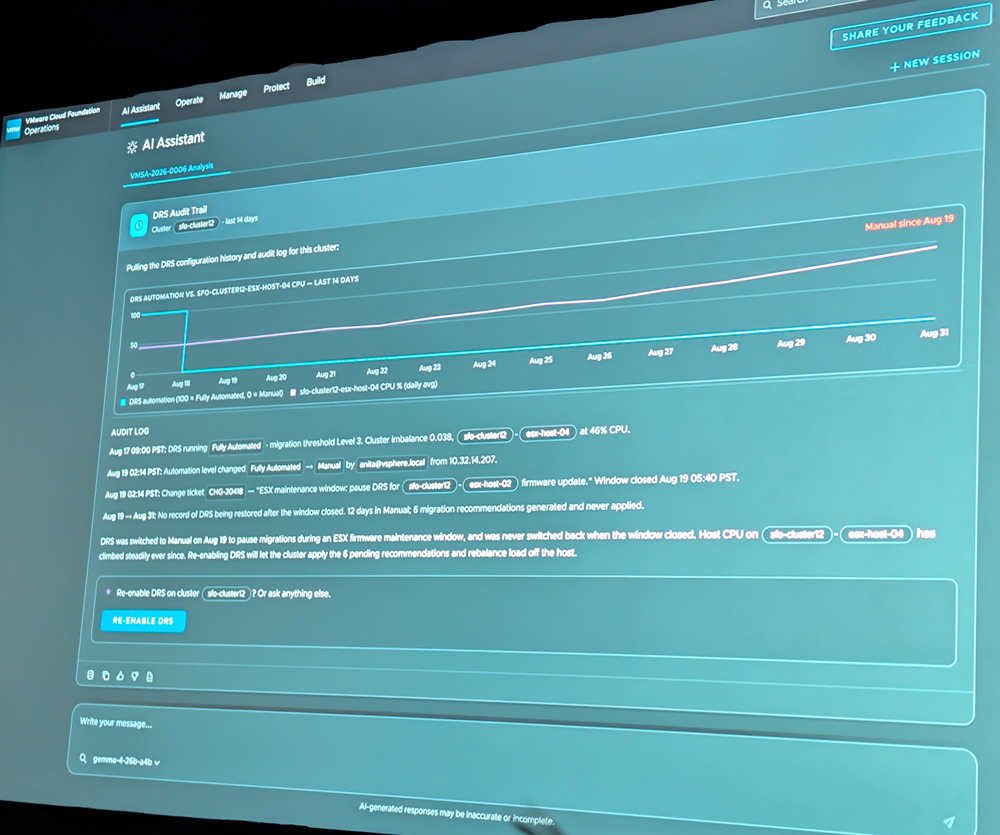
Broadcom also announced that they are working on a new feature called AI Factory, which will make local model creation much easier. It even integrates with Hugging Face to pull models from there.
Another announcement from the keynote is that AI agents can now run in a sandbox, which blocks all access by default until you explicitly enable the agent to talk to something. From everything Broadcom spoke about at the keynote, they are really focusing on demonstrating the true power of running AI models locally and showing that Broadcom cares about AI and security.
Next up was the VMware {code} Hackathon [ACT1861LV]. I had never attended a hackathon before, but I had heard many good things about the VMware Explore Hackathon.
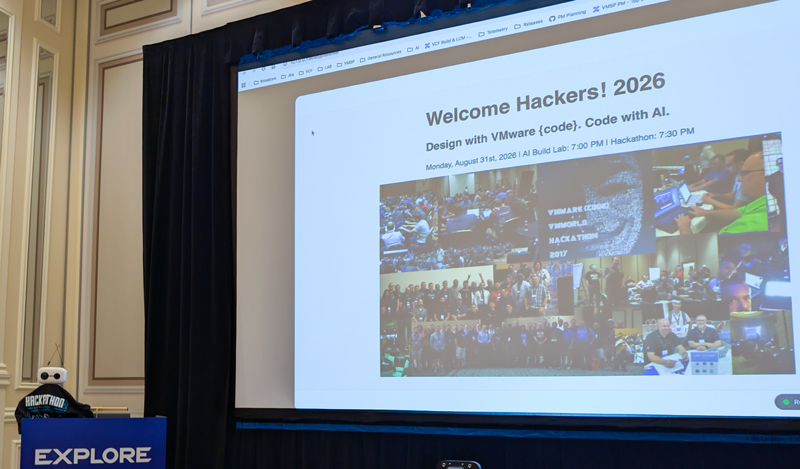
The goal of the hackathon was to create something that focused largely on AI. I ended up joining Dale Hassinger’s team. Dale runs the blog vCROCS. There were about 12 of us on our team.
Dale’s idea was to make a platform-agnostic version of RVTools, as Dale primarily uses a Mac and the current version of RVTools only works on Windows. Dale also wanted Claude Code to build everything in Rust, as it is cross-platform, and we would use the Tauri framework to make it all work.
Everything started as a Markdown file ingested by Claude. Claude began outputting a working version. I was curious whether the same codebase that works on macOS would actually work on Windows, so I connected to my home lab. Dale prompted Claude to create a document in the GitHub repo with instructions for installing dependencies and compiling the new version of RVTools, which we called Dale Insights.
To my surprise, it worked flawlessly on my test machine. I was even able to generate an installer, install it on another system in my home lab, and connect it to my vCenter.
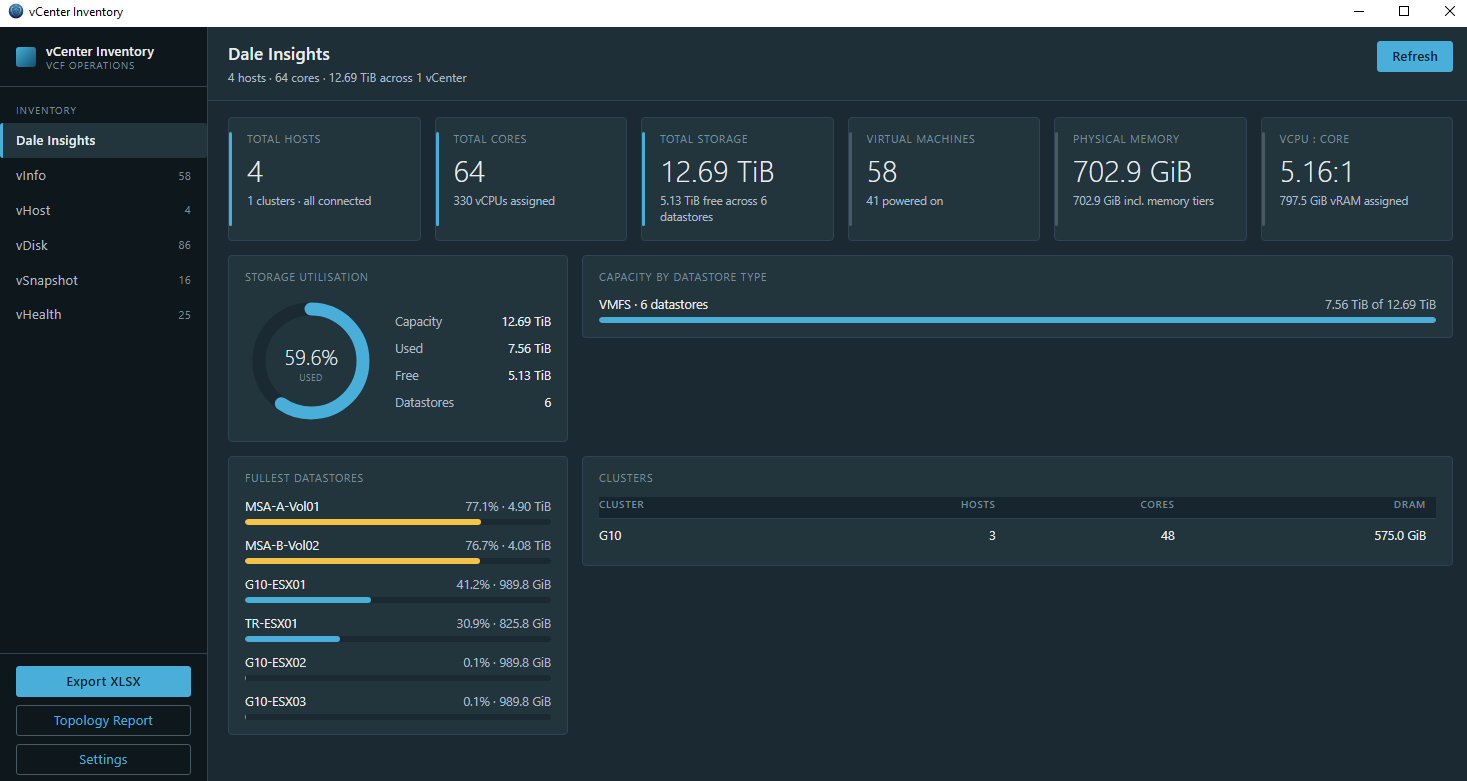
To our surprise, as soon as I provided Dale Insights with credentials to my vCenter, all the information populated immediately. This makes sense because Dale Insights uses API calls to retrieve the data it needs.
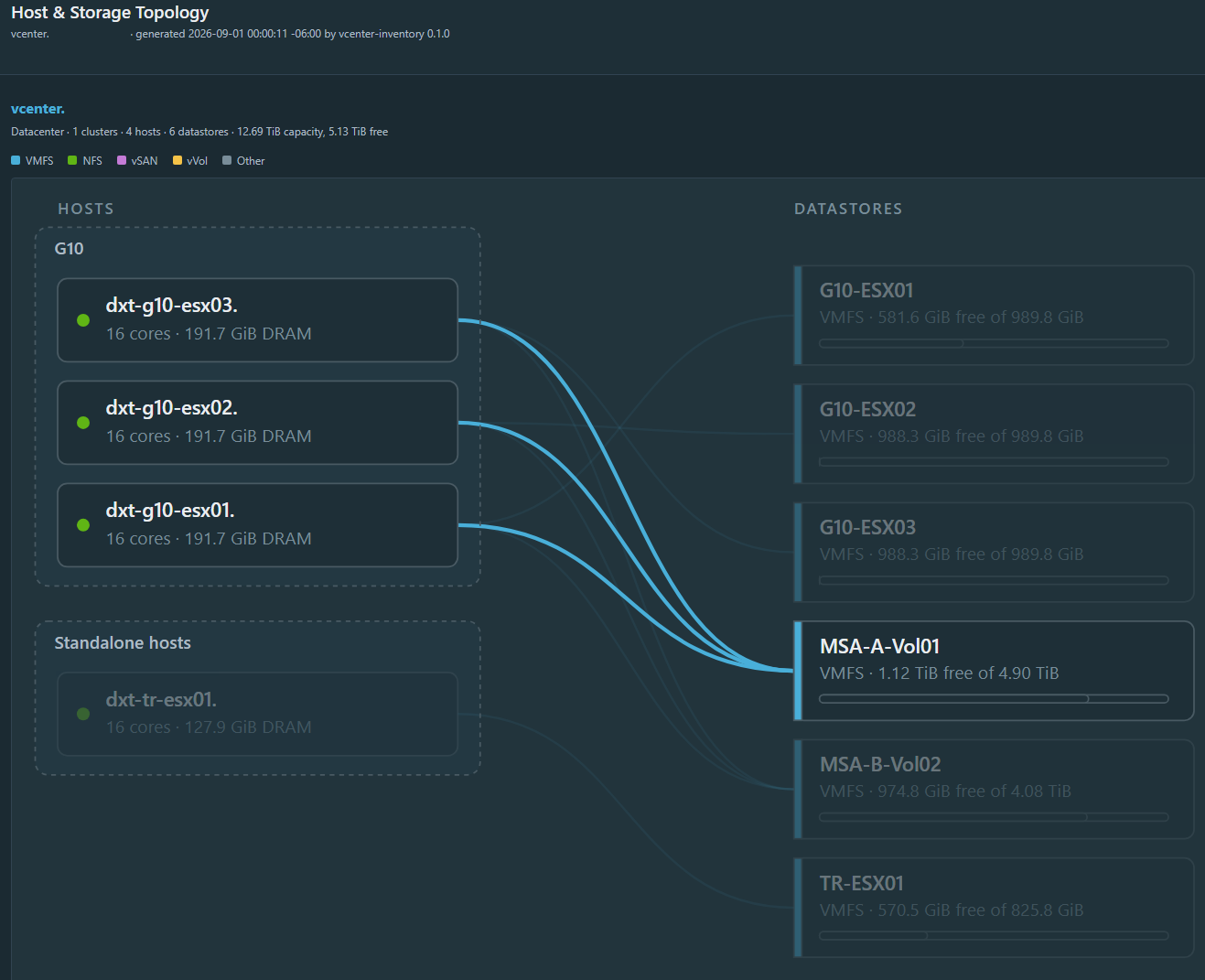
As the night progressed, we kept adding features and functionality to Dale Insights, including an interactive topology map of hosts to datastores and vice versa.
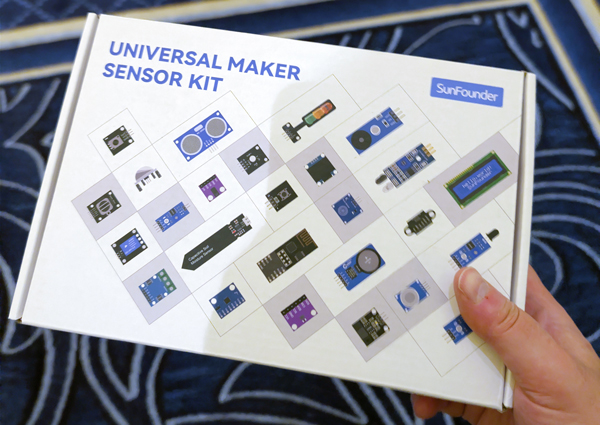
There were 5 different teams, and at the end of the hackathon, each team had 7 minutes to present what they created. Our team won third place, and each of us received a Universal Maker Sensor Kit.
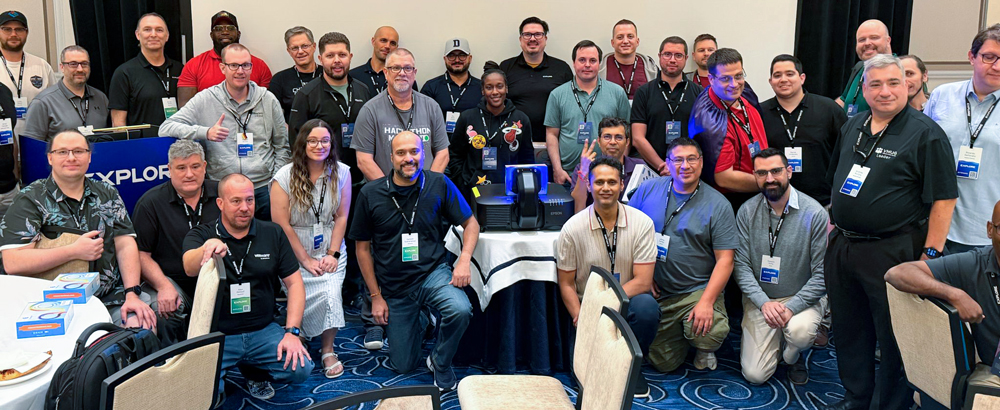
Before the hackathon ended, everyone took a group photo.
Everything our team built is public on Dale’s GitHub here. If you want to compile it on Windows, the docs folder includes a Running on Windows markdown file with all the instructions.
Day 2
While at VMware Explore, I received a random message from a reporter covering the event for TechTarget, who wanted to interview me and get my thoughts on the conference. I sat down for the interview before my day 2 sessions started. I had never been interviewed by a reporter before. It was a really cool experience. If you want to read what I was quoted saying, you can read the TechTarget article here.
Next, I attended the session What Is New in VMware Cloud Foundation 9.1 Security and Compliance [CLOB1187LV], hosted by Bob Plankers. Bob showed that VCF Operations can simplify break glass account management. He also explained that certain sensitive ESX settings are now read-only and require a reboot to change them. The goal is that if an attacker tries to change these settings, they must reboot the ESX host, which could alert you. Bob mentioned Broadcom is working to migrate TLS ciphers to post-quantum cryptography, but they are waiting for some libraries to become FIPS-certified before they can complete the migration.
Bob also mentioned that with the release of VCF 9.1, security has been a main focus, and that Broadcom is planning monthly patches for 9.1.0.x releases and quarterly patches for 9.1.x releases.
The next session I attended was A Deep Dive: What’s New for VMware vSphere in VMware Cloud Foundation 9.1 [CLOB1082LV], hosted by Dave Morera and Bob Plankers. In the session, they mentioned that the CPU scheduler has been improved and now accounts for CPU cache and memory contention. They also mentioned that vMotion scheduling has been improved. Rather than waiting for all current vMotion jobs to complete, a second batch of vMotion jobs can run after each vMotion is completed, rather than waiting for all vMotion jobs in the first batch to complete.
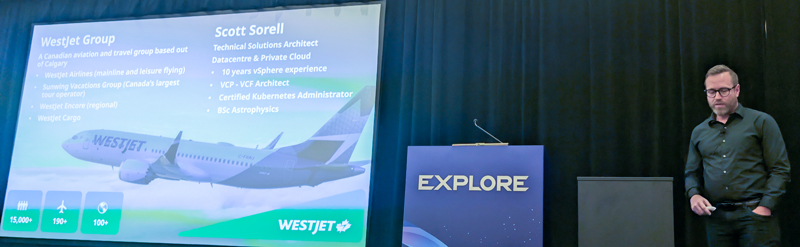
Next up was the session Prescriptive Ransomware Defense for VMware Cloud Foundation Workloads with VMware vDefend Advanced Threat Prevention [SECB1466LV], hosted by Bops Puliyanda and Scott Sorell. Scott is a friend of mine who’s also from Calgary. In the session, Bops spoke about what it takes to deploy vDefend with ATP, and Scott spoke about what WestJet learned as they deployed ATP in their environment. Some of the challenges WestJet originally faced when deploying ATP have led Broadcom to use that information to improve the deployment experience for everyone.
After that, it was time for the VMUG Member Reception, which was a lot of fun, and it was great speaking with everyone who was there.
Day 3
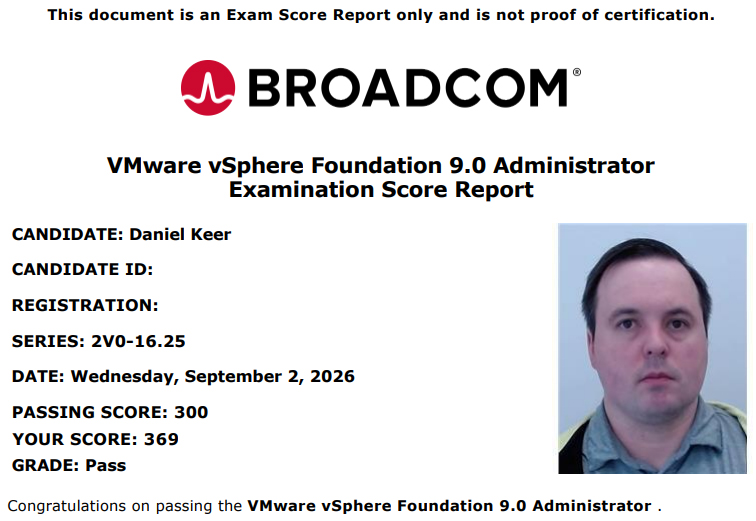
I started the third day of VMware Explore by taking the VCP VVF Admin exam.
I passed the VCP-VVF Admin exam with a score of 369. I needed a score of 300 or higher to pass. I am now a VMware Certified Professional – VMware vSphere Foundation Administrator.
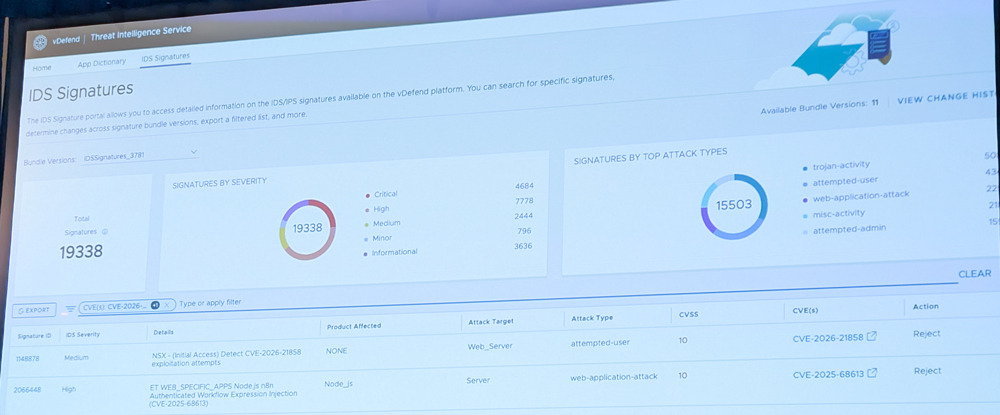
After passing the exam, I attended the session The Patching Dilemma: Do You Need Help with the Deluge of Vulnerabilities? [SECB1279LV], hosted by Geoff Shukin and Stijn Vanveerdeghem. They explained that shared services are always targets for attackers and that if you allow something across a firewall zone, you should add an IDS/IPS policy as a compensating control. They also noted that, given the volume of patches being released, it is hard to patch everything, and that Broadcom provides IDS/IPS signatures for CVEs that you can apply to vulnerable workloads, blocking traffic that matches those CVE signatures until you can deploy the actual patch.
Summary
VMware Explore 2026 was a lot of fun. While I attended fewer sessions than at other conferences, I participated a lot in the hallway track. I had some great conversations and connected with old and new friends.
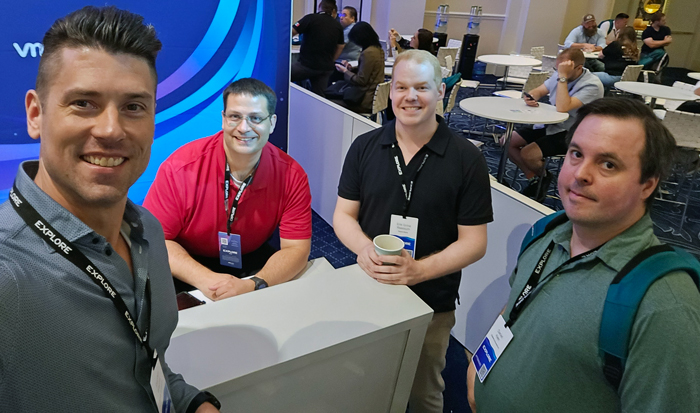
This conference was the one where I had the most unique opportunities and experiences. I’m happy I was able to attend and glad I was able to present, too.
If you work with VMware products, you should check out VMware Explore and consider attending.
If you missed any of the VMware Explore 2026 sessions you can watch them in the Explore video library here.
Daniel Goes Outside Vlog
If you want to watch the video version of this post, my YouTube Vlog about VMware Explore 2026 is below.