VMware Home Lab Tokens
VMware by Broadcom has now enabled home labs to generate tokens and license VCF 9.
Before the change, when you passed a VCP VCF exam, you were eligible for vSphere 8 and VCF 5.2 license keys, but you couldn’t create any tokens, which prevented you from using VCF 9 beyond the 90-day trial.
In this post, I will show you step-by-step how to generate a Broadcom token you can use in your home lab.
Prerequisites
- VMUG Advantage subscription.
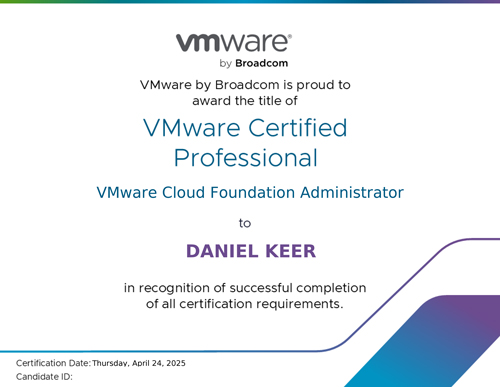
- Pass a VCP VCF exam.
If you need help studying for the VCP VCF Admin exam, my blog post Passing VCP-VCF Admin Exam goes into detail on how I passed.
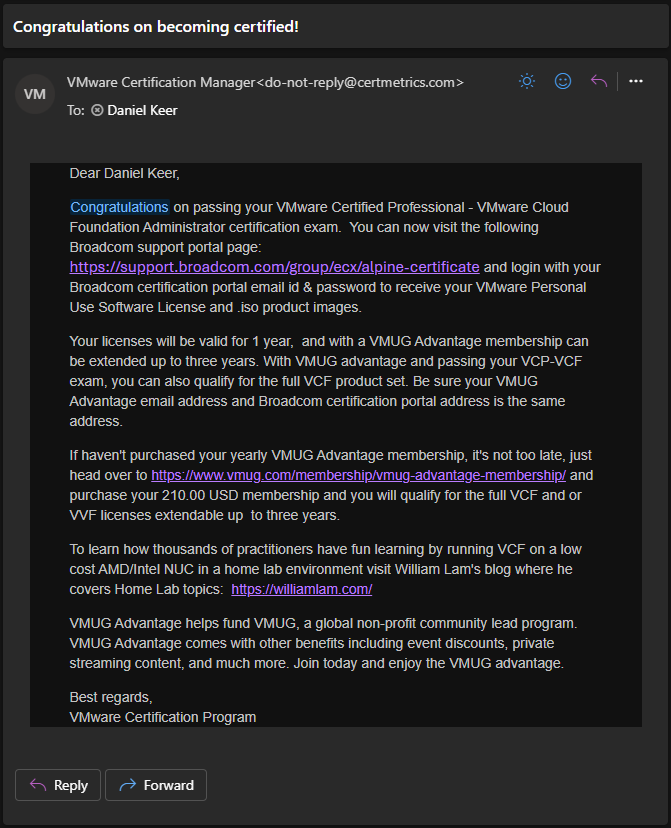
- Complete the home lab licensing process.
My blog post, VMware Home Lab Licensing, goes into detail.
The Process
- Using the same account you used to complete the home lab licensing process, log in to the Broadcom Support portal https://support.broadcom.com/
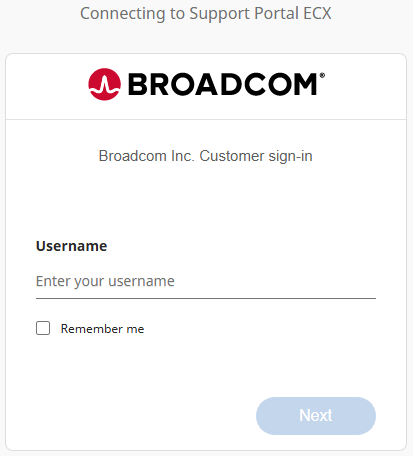
- Go to the following URL https://support.broadcom.com/group/ecx/alpine-certificate
- Click on Generate Token.

- You will get a message that additional verification is required. Click Yes.