QSFP Splitting
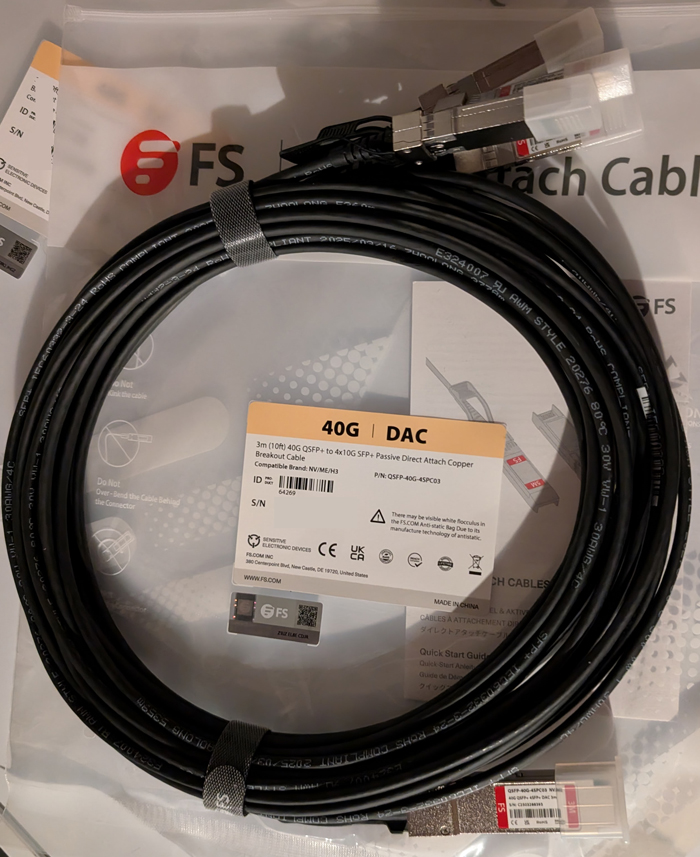
A nice feature with QSFP (Quad Small Form-factor Pluggable) is that you can turn a single QSFP port into 2 or 4 independent ports using a breakout cable.
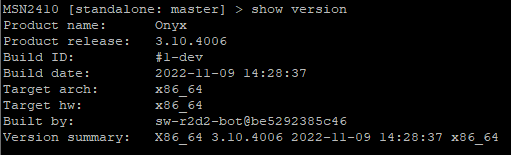
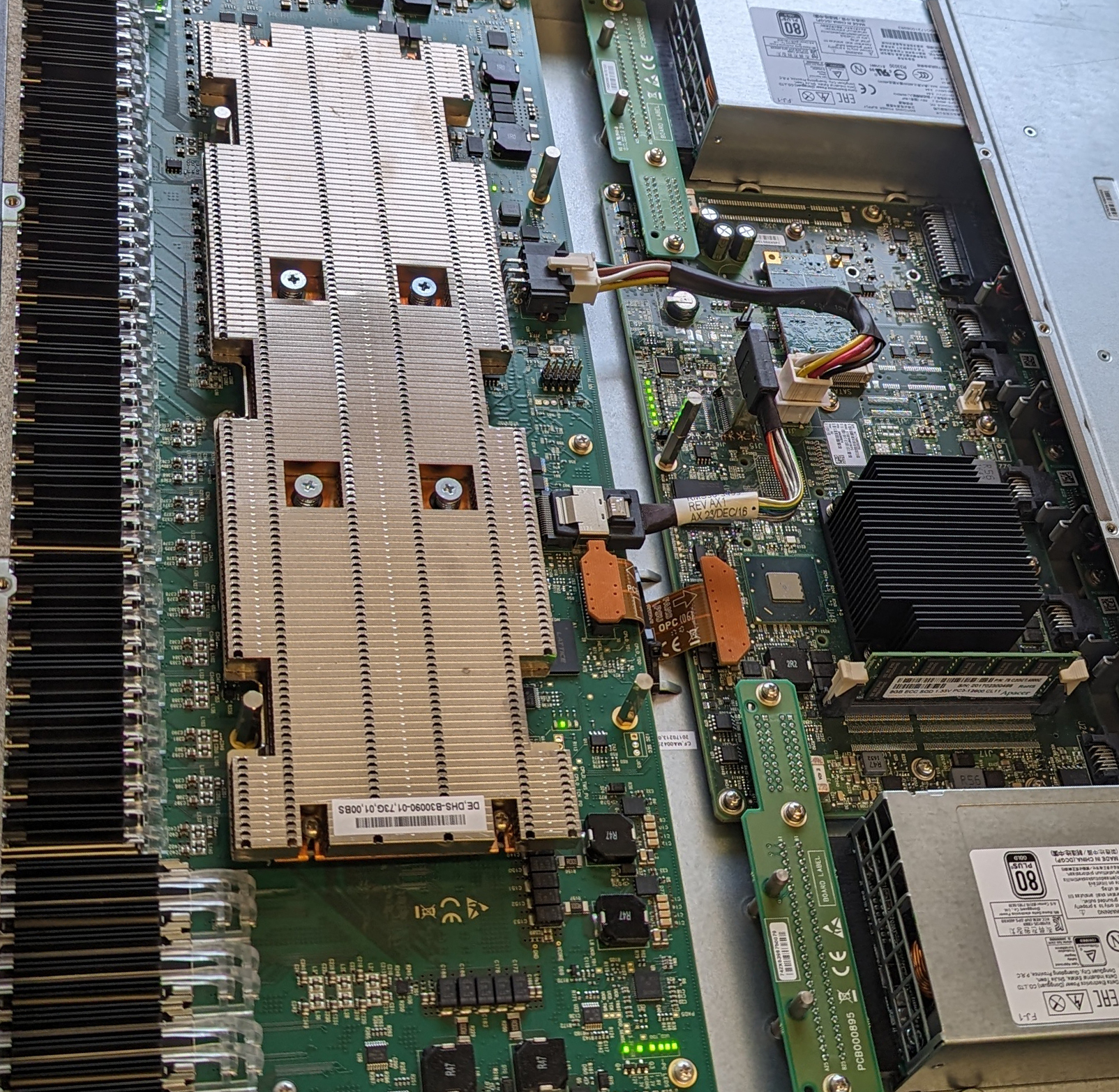
In my home lab, I have an Nvidia/Mellanox SN2100 switch running Onyx (MLNX-OS), which I use for my iSCSI network. I also have an HPE MSA 2040 SAN. The HPE MSA 2040 SAN only has 10GB SFP (Small Form-factor Pluggable) ports.
I will use a breakout cable to use the SN2100 with the MSA 2040. The breakout cable will connect to the QSFP port on the SN2100 and give me 4 SFP connections that I will connect to the MSA 2040 SFP ports.
In this post, I will show you step-by-step how to split and unsplit an interface on an Nvidia/Mellanox SN2100 switch running Onyx (MLNX-OS).
Split Port
- SSH into the switch.
- Enter configuration mode with the command
configure terminal

- Shutdown the interface you want to split out.
The interface I will be splitting is ethernet 1/1. The command I will run is interface ethernet 1/1 shutdown.

- To split the interface, we will use the command
module-type qsfp-split-4or the commandmodule-type qsfp-split-2
Split 4 will split the QSFP module into four 25 Gbps ports. Split 2 will split the port into two 50 Gbps ports.
…