Skip to content
theDXT
  • Home
  • IT
  • Scripts
  • GitHub
  • LinkedIn
  • X (Twitter)
  • Search Icon
Add Administrators to Omnissa Horizon

Add Administrators to Omnissa Horizon

June 18, 2026

In this post, I will show you step by step how to grant additional users or groups access to the Omnissa Horizon admin console.

The Process

  • Log in to the Horizon admin console.
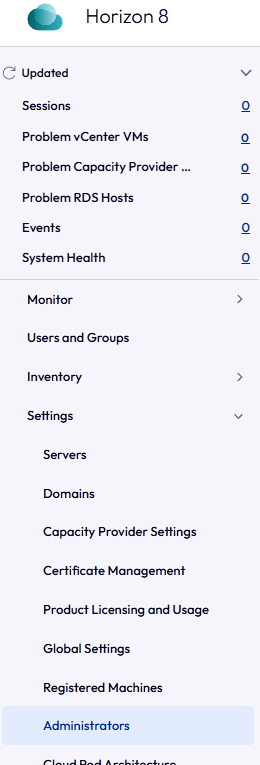
  • Click Settings > Administrators.
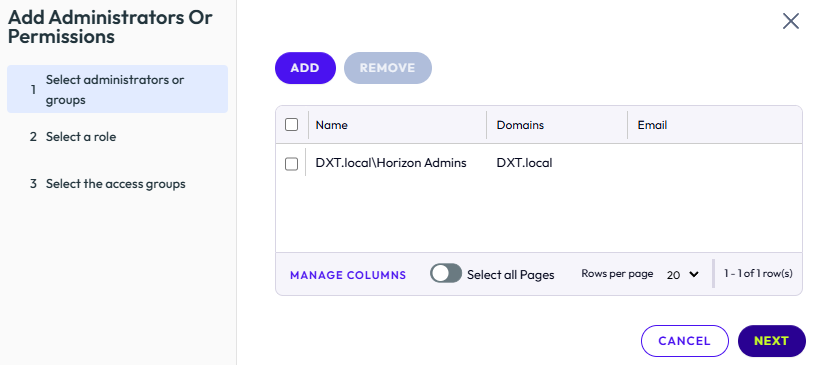
  • On the Administrators and Groups tab, click Add.
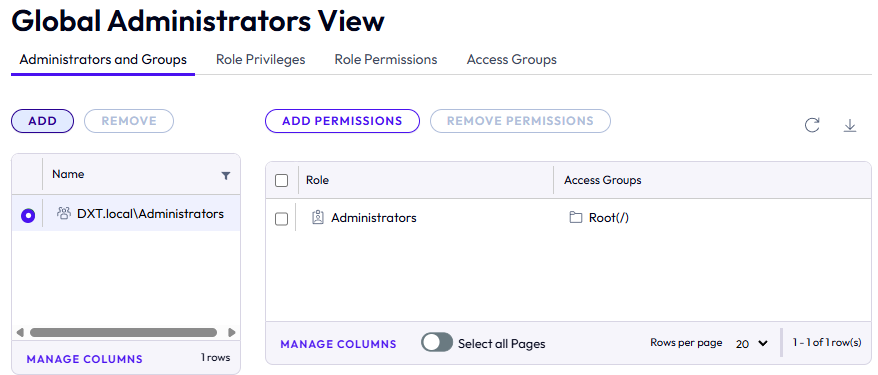
  • On the Add Administrators or Permissions window, click Add.
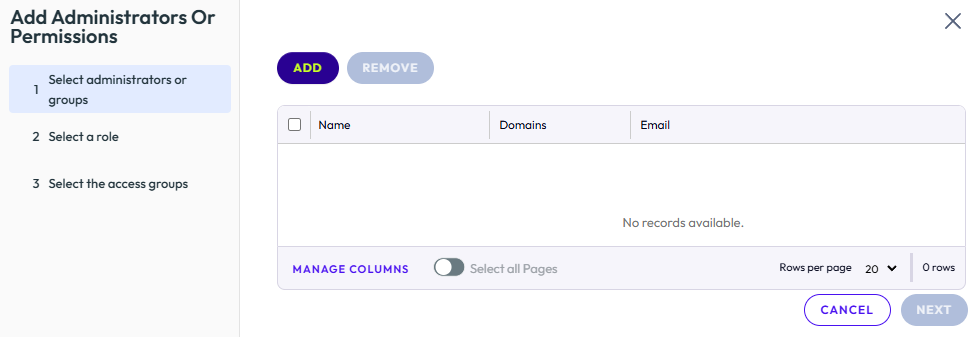
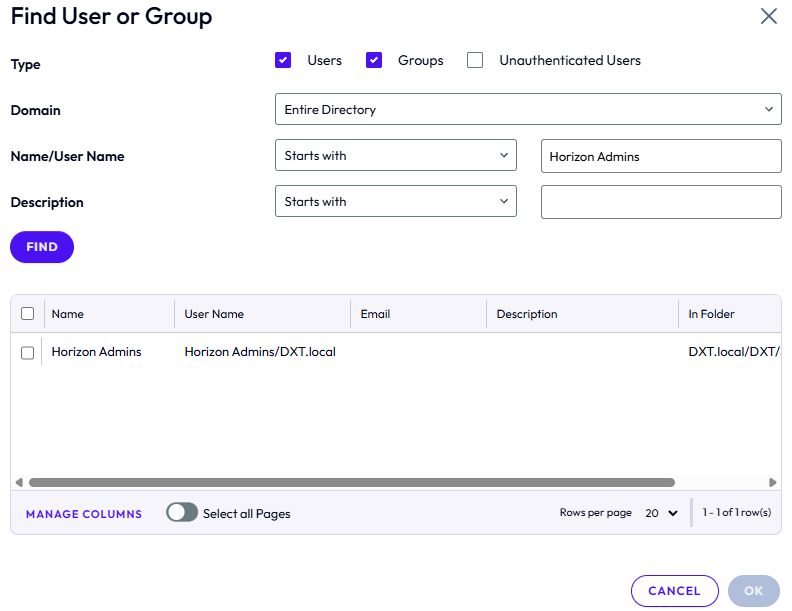
  • On the Find User or Group window, search for the desired user or group.

In my example, I will search for the AD security group named Horizon Admins.
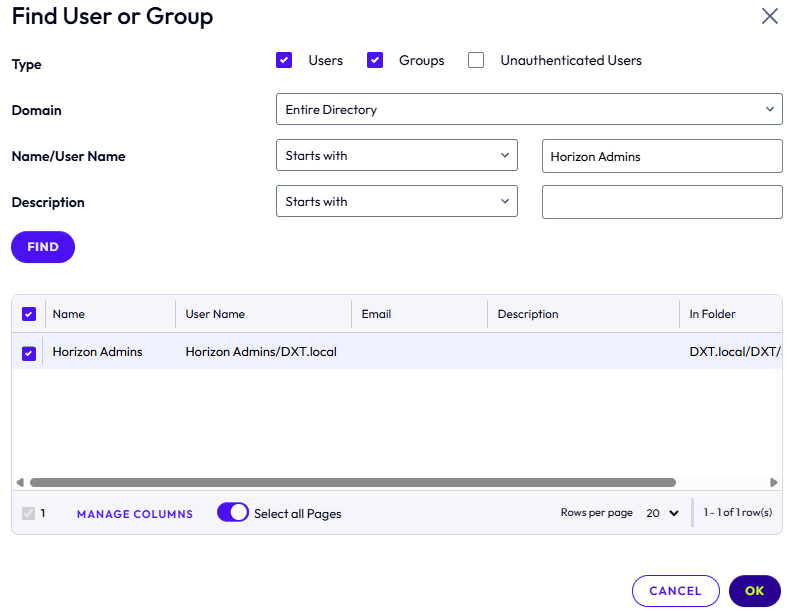
  • Select the group or user and click OK.

In my example, I will select the Horizon Admins group.
  • Repeat the search to add more users or groups, then click Next.
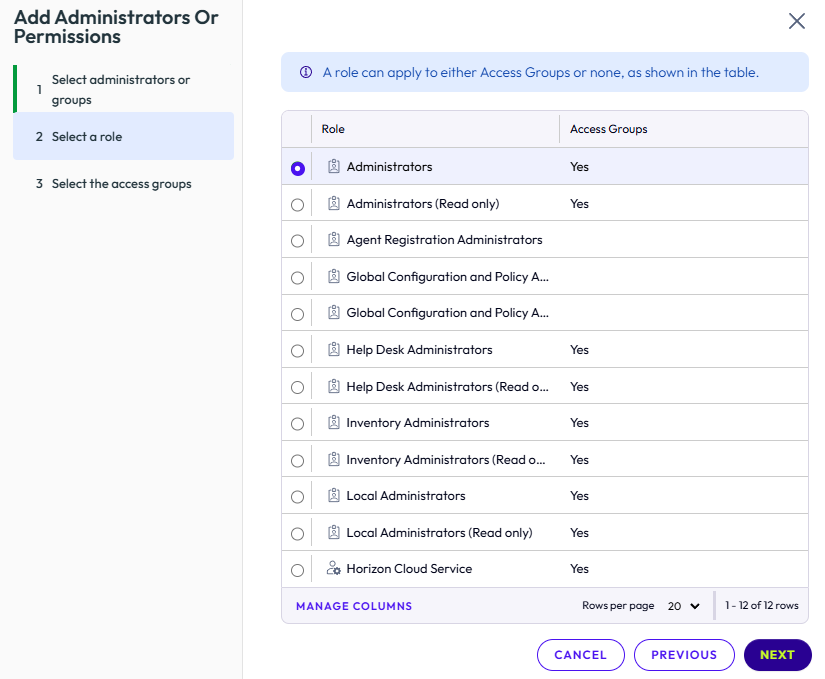
  • Select the appropriate role for the users or groups you added and click Next.

In my example, I will select Administrators.
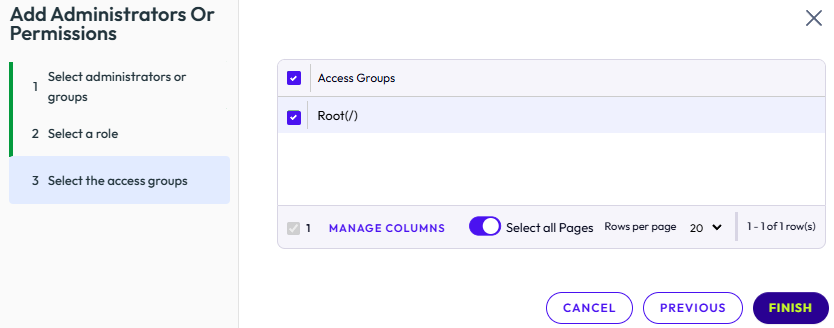
  • Select the access groups as needed, then click Finish.

If you haven’t configured any access groups, select Root.

In my example, I will select Root.
  • Confirm that the new user or group appears in the Administrators and Groups tab.
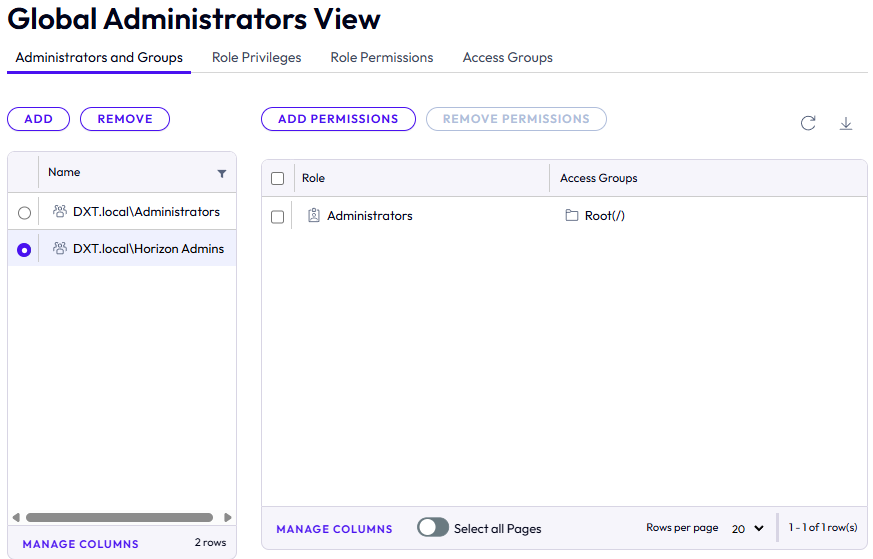
That’s all it takes to add new users or groups to the Omnissa Horizon admin console.

If you want to read more about managing permissions in the Omnissa Horizon admin console, here is the Omnissa documentation.


Related posts:

Omnissa Horizon Term License Expiry Configure Omnissa UAG with Omnissa Horizon Omnissa Horizon Connection Server Backup Omnissa Horizon Unmanaged VDI Black Screen Issue

IT
EUC, How To, Omnissa, Omnissa Horizon, VDI, VMware Horizon

Post navigation

PREVIOUS
Schedule VMware Exam

Leave a Reply Cancel reply

Your email address will not be published. Required fields are marked *

About Me

Daniel Keer

Project Lead, Senior Consultant at Digitally Accurate Inc.

Awards and Certificates
VMware vExpert ⭐⭐⭐⭐
Omnissa Tech Insider ⭐⭐⭐

Consulting

Stuck on something? Reach out to Digitally Accurate Inc. and we can provide expert IT consulting to help you move forward.

  • Add Administrators to Omnissa Horizon
  • Schedule VMware Exam
  • Deploy Claude Desktop on Non-Persistent VDI
  • I Went to BSides Calgary 2026
  • Install Omnissa DEM Application Profiler

Recent Posts

  • Add Administrators to Omnissa Horizon
  • Schedule VMware Exam
  • Deploy Claude Desktop on Non-Persistent VDI
  • I Went to BSides Calgary 2026
  • Install Omnissa DEM Application Profiler
  • I Went to VMUG Connect Minneapolis 2026
  • Microsoft Entra ID External MFA
  • Palo Alto Change Master Key with HA (Active/Passive)
  • Deploy Sophos Firewall on VMware vCenter
  • Sophos Firewall Initial Setup

Tags

2014 Calgary Certificates Christmas EUC event Firewall Fix holiday How To Microsoft Microsoft 365 Mouthy & Keerious Networking podcast Power Loss PowerShell review Script Spoiler Free twelve days of christmas VEDA VEDA 2015 video vlog Vlog Every Day in April VMware Windows youtube yyc

© 2026   Copyright. All Rights Reserved.