Minisforum MS-A2 Disable TPM
The Minisforum MS-A2 is an awesome system to use in a home lab. It does have one downside, and that is that even though it has a TPM (Trusted Platform Module) 2.0 chip, it is a TPM 2.0 CRB (Command-Response buffer) chip, which is likely useful for a lot of use cases. However, it is not compatible with VMware ESXi. VMware ESXi requires a TPM 2.0 FIFO (First-In-First-Out) chip. Fortunately, you can disable the TPM.
In this post, I will show you step-by-step how to disable the TPM on a Minisforum MS-A2.
The Process
- Get into BIOS by pressing the Del key.
- Select Setup.

- Select the Advanced menu.
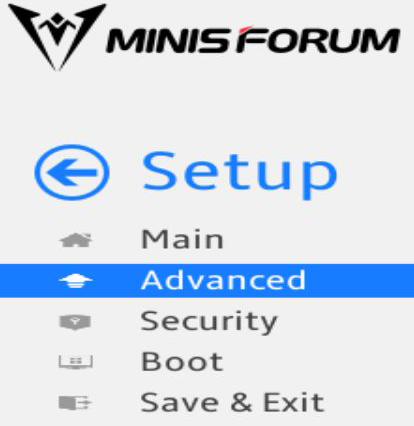
- Select the option Trusted Computing.
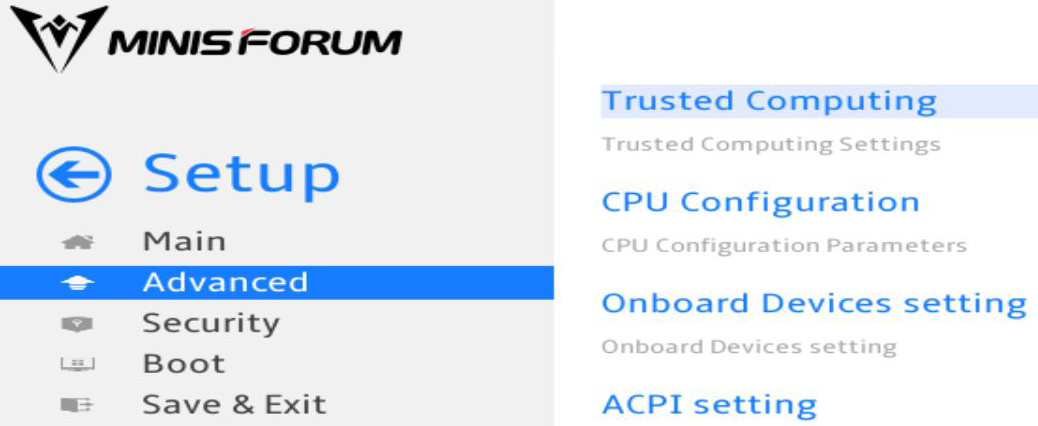
- Set the Security Device Support option to Disabled.

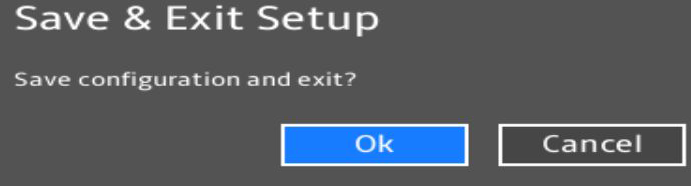
- Save and Exit the BIOS.

- Click Ok to confirm that you want to Save and Exit the BIOS.
Once the MS-A2 finishes rebooting, the TPM will be disabled.
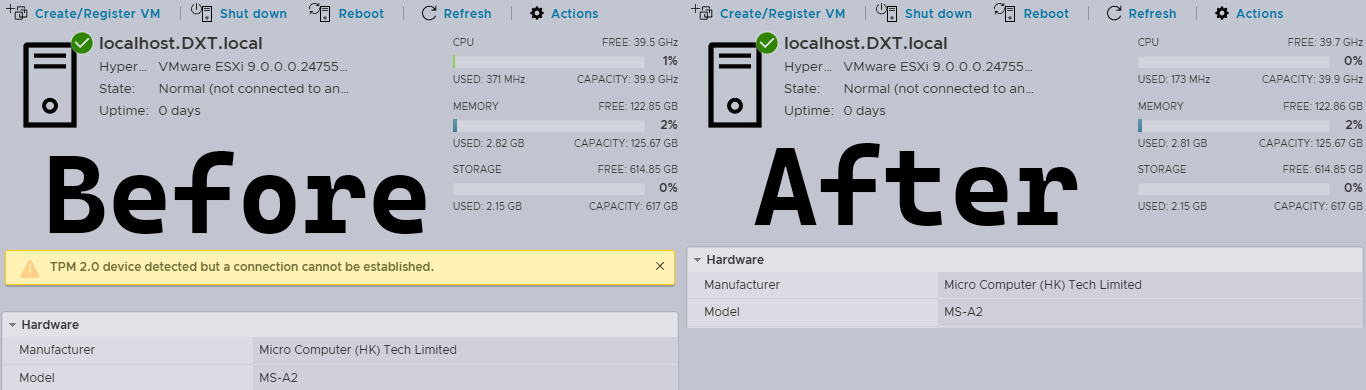
Disabling the TPM resolves the TPM 2.0 device detected but a connection cannot be established warning message in ESXi.
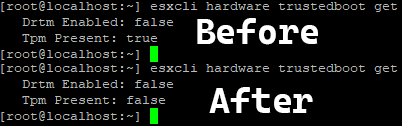
You can also confirm that the TPM is disabled with ESXi by using SSH and running the command esxcli hardware trustedboot get
If the value of Tpm Present is false, then the TPM has been successfully disabled.
If you want to read more about disabling the TPM in ESXi, here is the VMware by Broadcom documentation.