Skip to content
theDXT
  • Home
  • IT
  • Scripts
  • GitHub
  • LinkedIn
  • X (Twitter)
  • Search Icon
iPhone OS 4

iPhone OS 4

April 12, 2010

I have downloaded and installed the new iPhone OS 4 on my iPhone 3GS. My initial thoughts on it are that it is very nice. Multitasking works great. Spell Check is an added bonus as well as folders. Below are some screen shots of some of the new features I have found in OS 4. Photos are below the break.

– theDXT

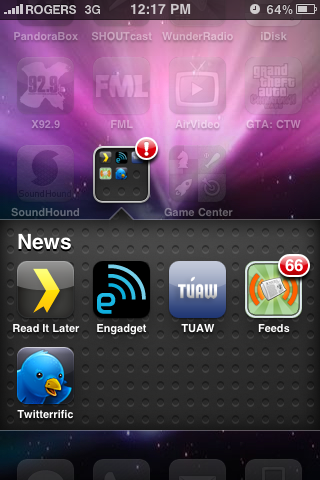
Below is an Example of folders when an app inside the folder has a badge notification
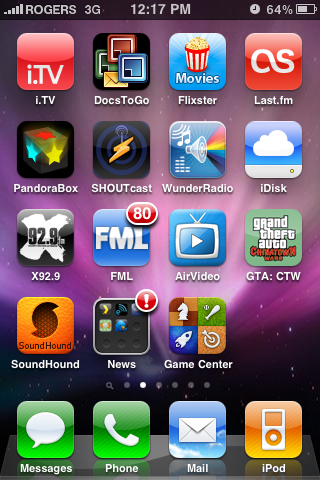
Folder Notification 1Folder Notification 2

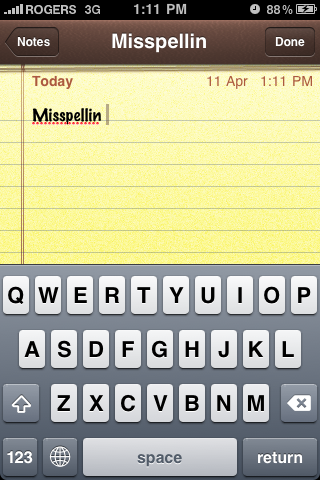
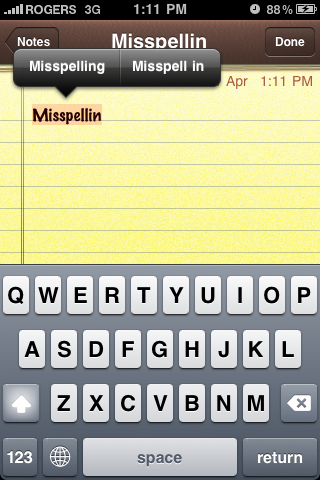
Here is an example of spell check
Typo 1 Typo 2

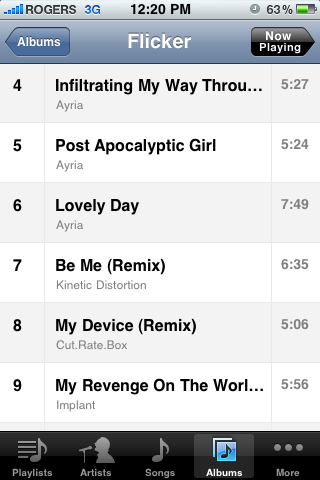
Below is what the the new way albums look in the iPod app
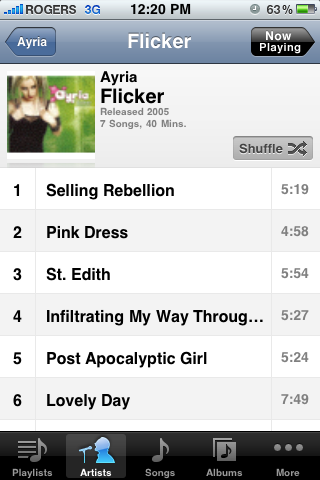
iPod layout

Below is how albums look if there is more than one artist
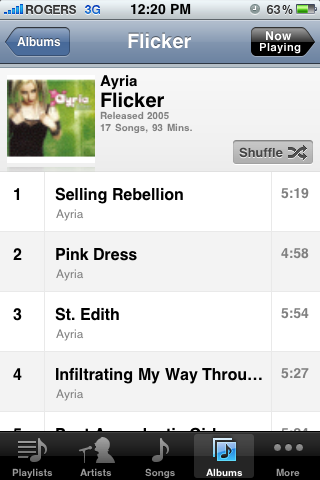
iPod layout 2 iPod Layout 3

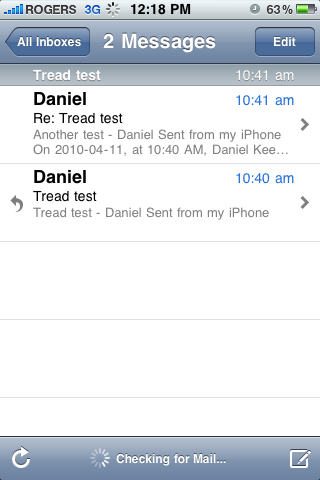
Below is an example of threaded emails.
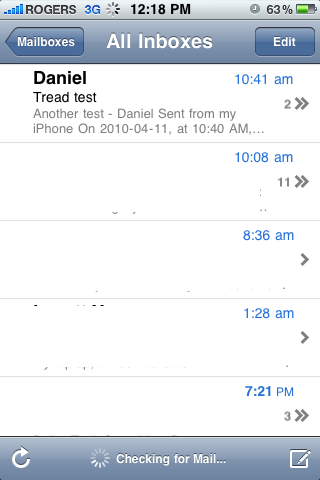
email threademail thread 2

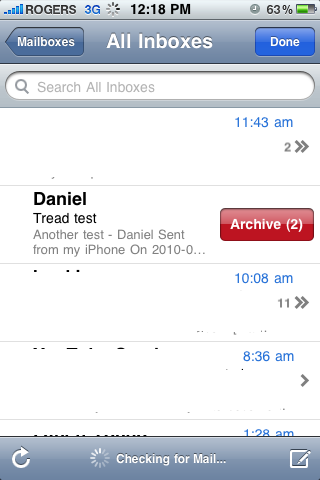
Now when deleting a gmail email it says archive instead of delete below is and example of that and when deleting a thread with gmail.
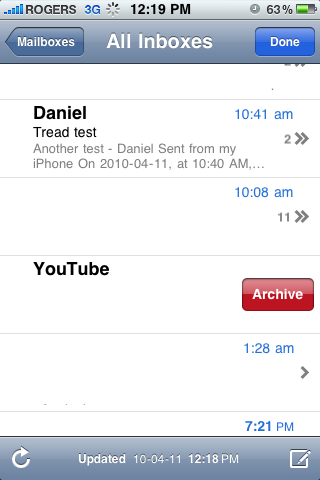
archive oneArchive thread

This is all I have found for now.

– theDXT

Related posts:

Outlook Email Mover Update Teams Machine Wide Installer Default ThumbnailWindows Updates PowerShell Script Default ThumbnailFind files and folders

My Writing, Reviews
apple, iOS, iOS 4, iPhone, OS, OS 4

Post navigation

PREVIOUS
Lamb of God – Wrath
NEXT
Google TV

Leave a Reply Cancel reply

Your email address will not be published. Required fields are marked *

About Me

Daniel Keer

Project Lead, Senior Consultant at Digitally Accurate Inc.

Awards and Certificates
VMware vExpert ⭐⭐⭐
Omnissa Tech Insider ⭐⭐⭐

Consulting

Stuck on something? Reach out to Digitally Accurate Inc. and we can provide expert IT consulting to help you move forward.

  • ESX Regenerate Self-Signed Certificate
  • Veeam Backup & Replication 13 Windows Install
  • Enable Windows 10 Extended Security Updates
  • slmgr.vbs
  • CyberChef
© 2026   Copyright. All Rights Reserved.