Log PuTTY Output
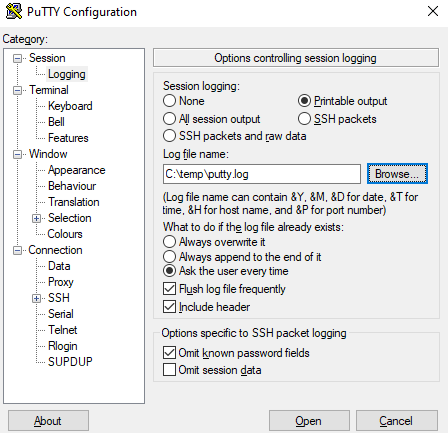
I use PuTTY a lot and sometimes I want to log my changes as I make them or I want a quick and dirty way to get a config file off a device. In this post, I will show step-by-step how to log the PuTTY output to a log file.
- Open PuTTY
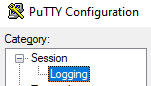
- Click on Session > Logging
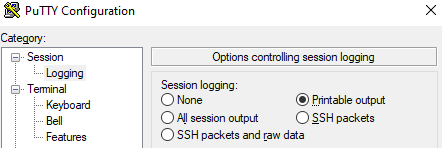
- Select Printable output
- Select the location where you want the log file to be saved. I’m going to save mine in C:\temp