
Lenovo Remote Physical Presence
On Lenovo servers the default configuration has a physical presence policy enabled. When a physical presence policy is enabled it prevents you from doing a few tasks on the system either in BIOS or IPMI. Lenovo calls their IPMI XClarity Controller (XCC).
With an enabled physical presence policy your only options to do some of those task is to either physically go move a jumper on the motherboard or to make some tweaks in XCC or BIOS to assert your physical presence even if you are remote.
Here’s how to do it in IPMI or BIOS.
IPMI (XClarity Controller)
- Login to the XClarity Controller
- Click on BMC Configuration
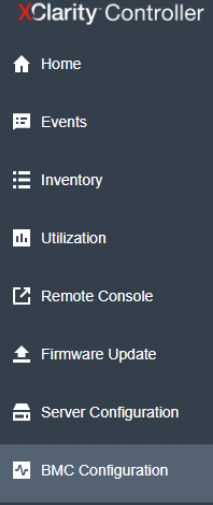
- Click on Security
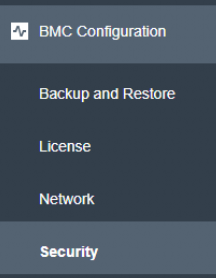
- Toggle the switch for Assert Physical Presence and click Apply
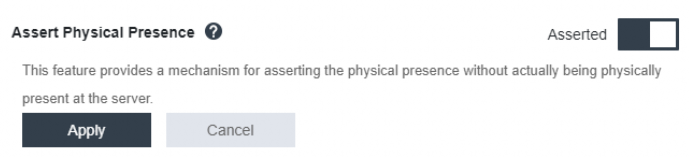
- You can now preform any tasks that needed physical presence to be asserted.
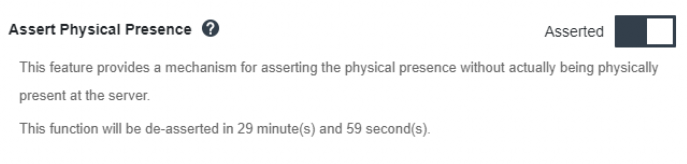
The physical presence will be turned off after 30 minutes or can you manually turn it off sooner.
BIOS (XClarity Provisioning Manager)
- Enter the BIOS setup
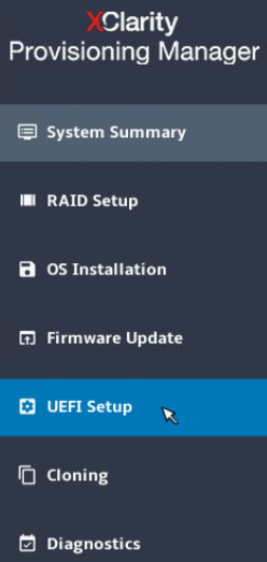
- Click on UEFI Setup
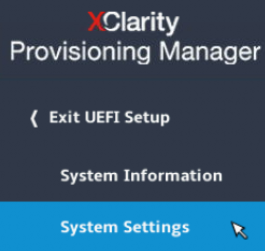
- Click on System Settings
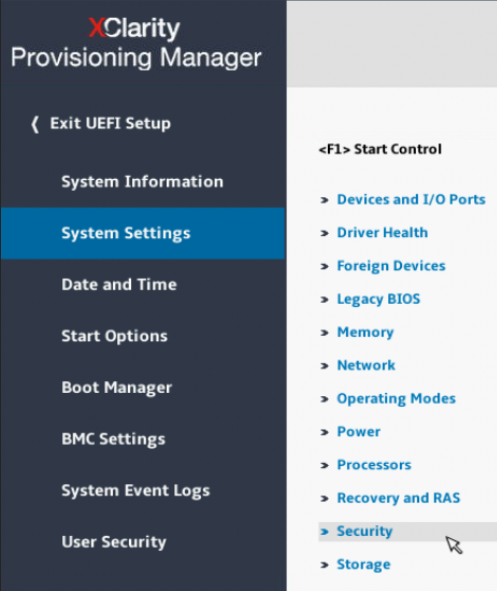
- Click on Security
- Click on Physical Presence Policy Configuration
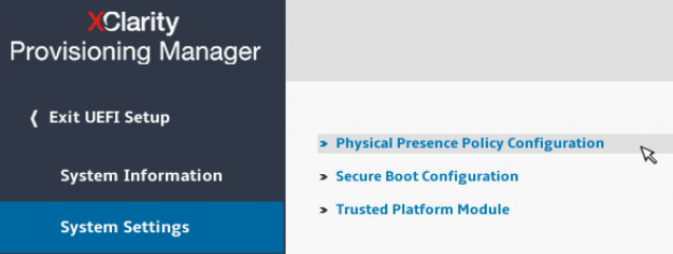
- Click on Toggle Remote Physical Presence Assert
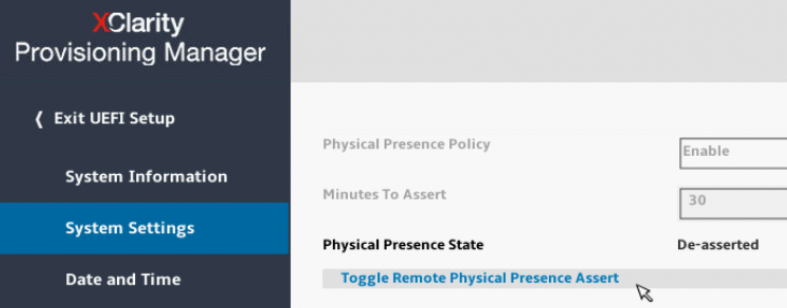
- You can now preform any tasks that needed physical presence to be asserted.
The physical presence will be turned off after 30 minutes or can you manually turn it off sooner.
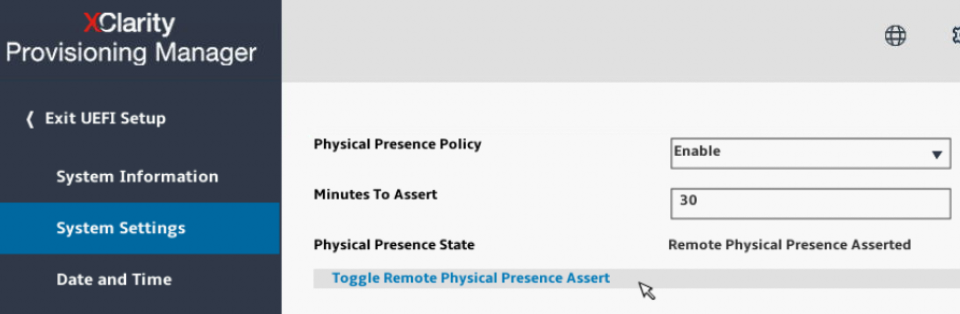
That’s all it takes to assert your physical presence over a Lenovo server even if you are remote.
One thought on “Lenovo Remote Physical Presence”