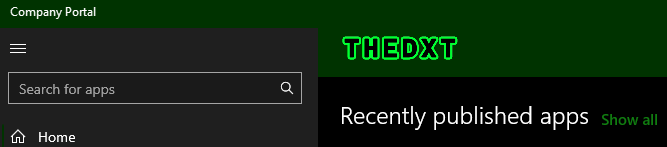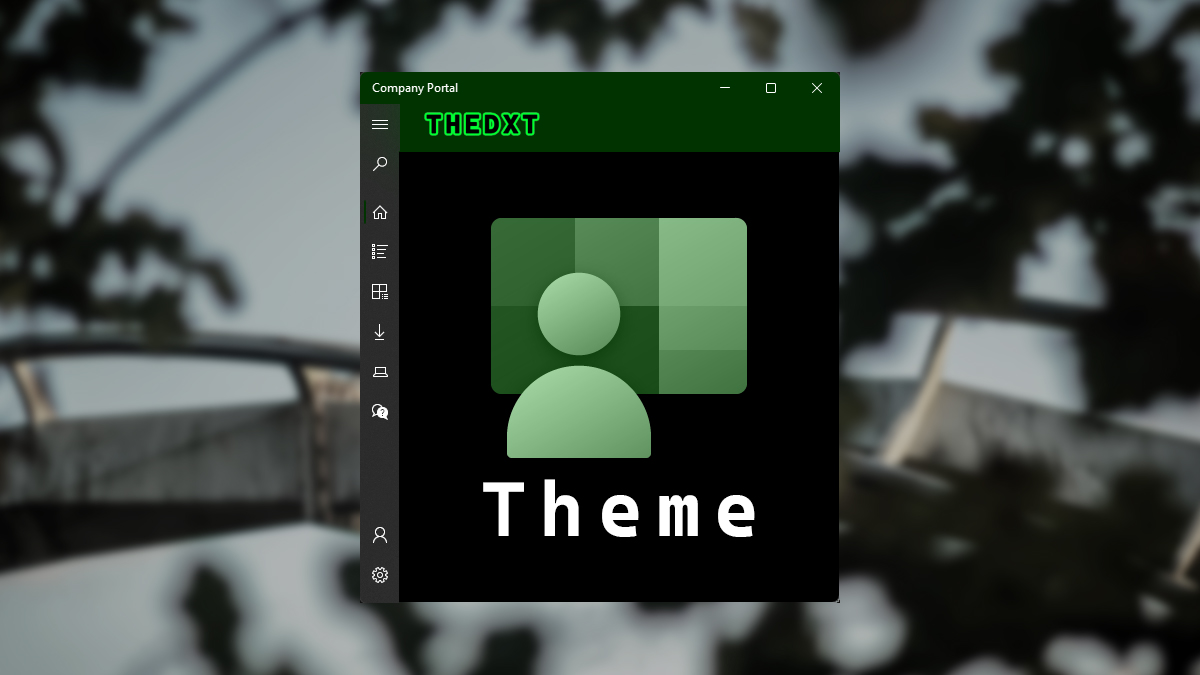
Company Portal Theme
The default theme for Company Portal is fine, but it always looks better when you customize it to match your origination’s theme.
In this post, I will show you step-by-step how to set a theme for Company Portal.
The Process
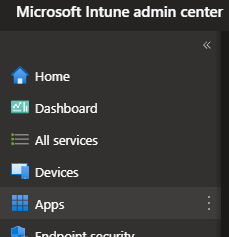
- Login to Microsoft Intune admin center
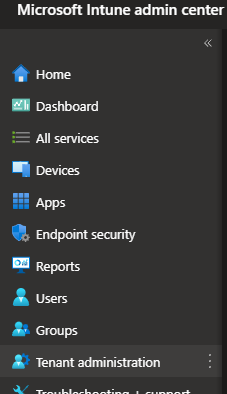
- Click on Tenant administration
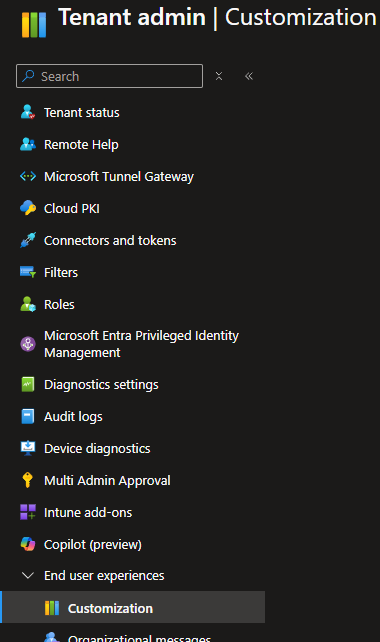
- Under the End user experiences section, click on Customization.
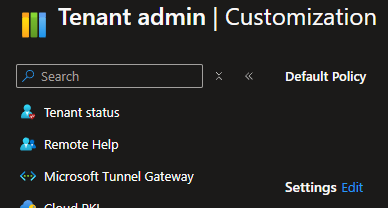
- Click on Edit beside settings.
- Enter your Organization name.
- Select a Theme color.
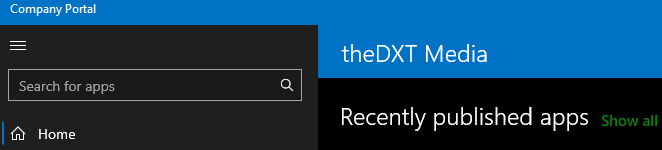
The default color for Company Portal is blue.
- Select what you would like to see in the header.
I will be selecting Organization logo only as my logo has the organization name in it already.
- Select a logo for the color-themed background and the white background.
I will be using the same logo for each of them.