Install PFX Certificate in Windows
Once you have exported your certificate, the next step is installing the certificate PFX on other servers as needed.
In this post, I will show you step-by-step how to install an exported PFX certificate file on a Microsoft Windows system.
Prerequisites
- Exported certificate in a PFX file. If you need to learn how my post on Exporting a Certificate with MMC details all the steps.
The Process
- Copy the exported certificate PFX file to the server on which you need to install the certificate.
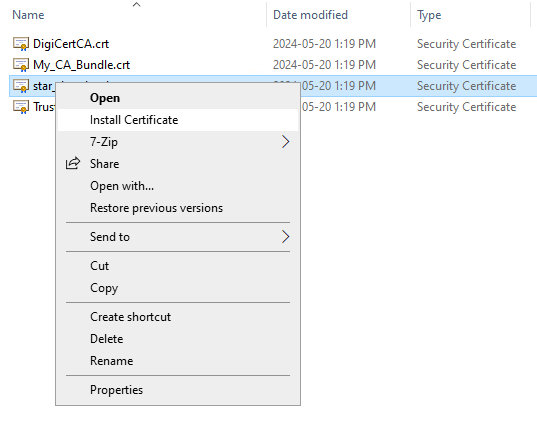
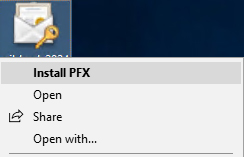
- Right-click on the PFX file and select Install PFX.
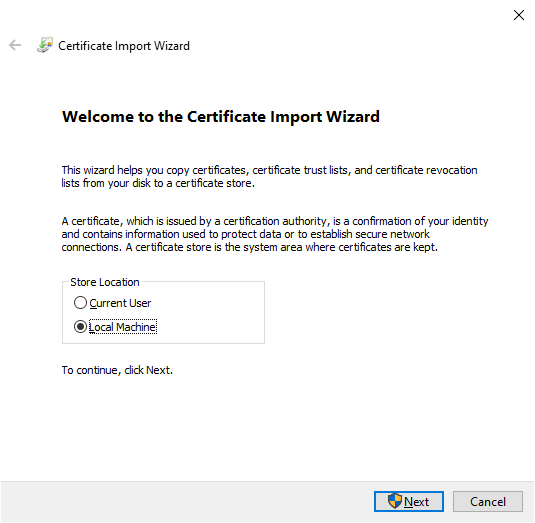
- Select Local Machine and click Next.