


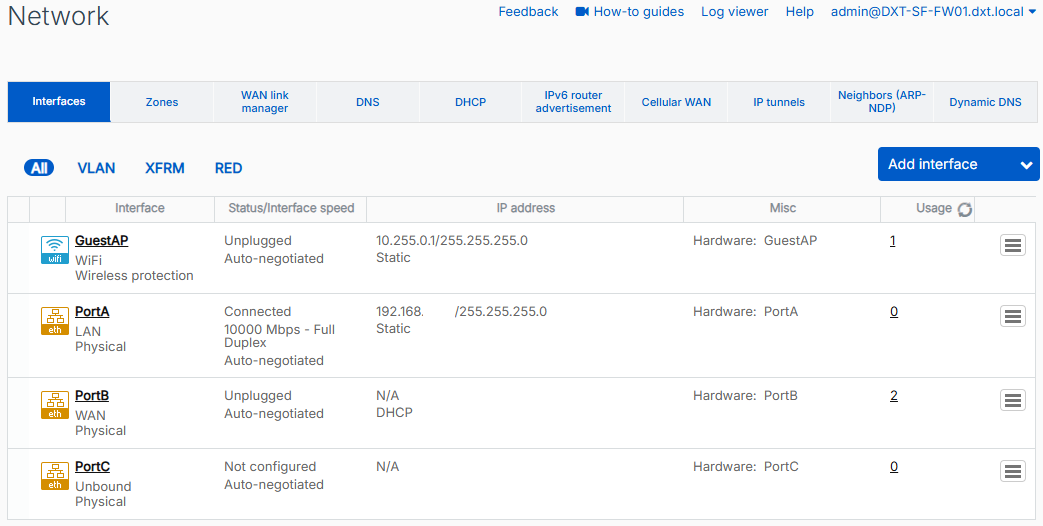
By default, Sophos firewalls have a wireless network interface called GuestAP. Normally, this isn’t much of an issue, but if you don’t plan to use Sophos Wireless, it doesn’t make sense to keep the GuestAP network interface.
In this post, I will show you step by step how to remove the GuestAP network interface on SFOS (Sophos Firewall Operating System).
The Process
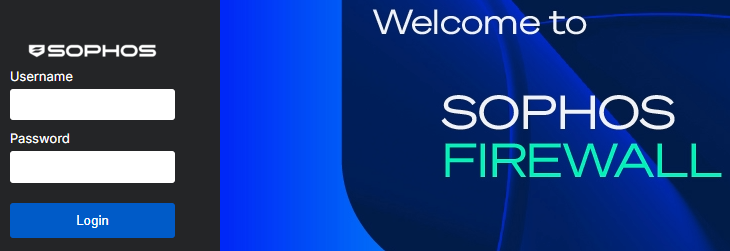
- Login to the Sophos firewall.
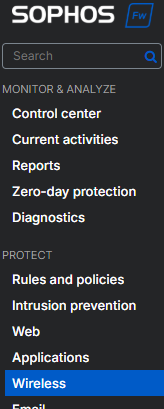
- Click on Protect > Wireless.
- Click on the Wireless networks tab.
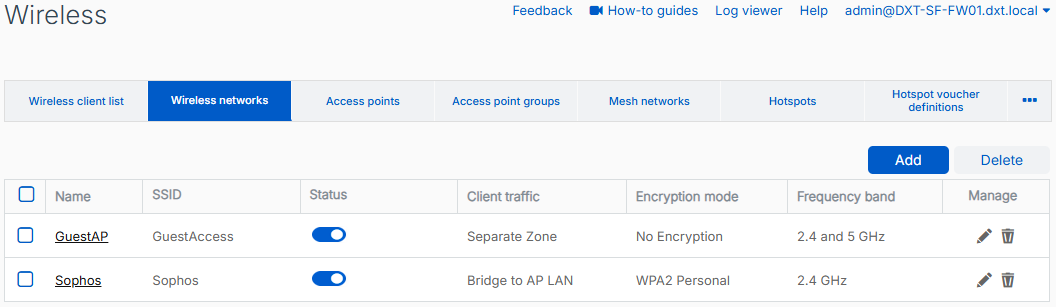
- Delete the GuestAP and Sophos wireless networks.
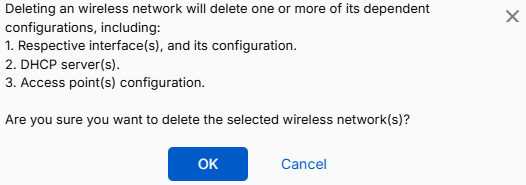
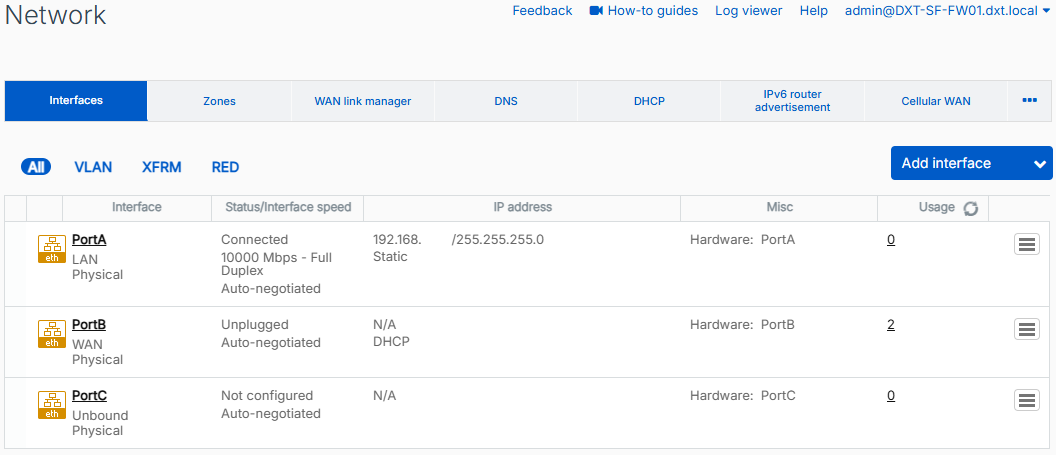
Now, when you look at your network interfaces, the GuestAP interface will be gone.
If you want to read more about wireless interfaces on a Sophos firewall, here is the Sophos documentation.