


VMware by Broadcom has now enabled home labs to generate tokens and license VCF 9.
Before the change, when you passed a VCP VCF exam, you were eligible for vSphere 8 and VCF 5.2 license keys, but you couldn’t create any tokens, which prevented you from using VCF 9 beyond the 90-day trial.
In this post, I will show you step-by-step how to generate a Broadcom token you can use in your home lab.
Prerequisites
- VMUG Advantage subscription.
- Pass a VCP VCF exam.
If you need help studying for the VCP VCF Admin exam, my blog post Passing VCP-VCF Admin Exam goes into detail on how I passed.
- Complete the home lab licensing process.
My blog post, VMware Home Lab Licensing, goes into detail.
The Process
- Using the same account you used to complete the home lab licensing process, log in to the Broadcom Support portal https://support.broadcom.com/
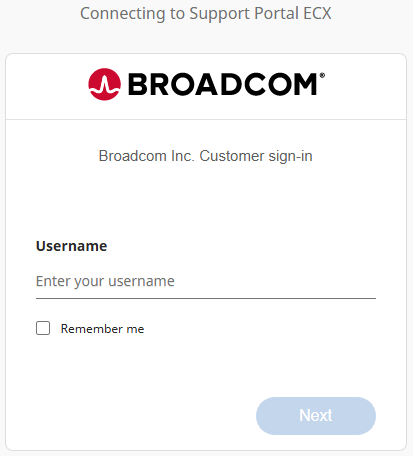
- Go to the following URL https://support.broadcom.com/group/ecx/alpine-certificate
- Click on Generate Token.

- You will get a message that additional verification is required. Click Yes.

- Fill out the requested information with your real personal information as much as possible.
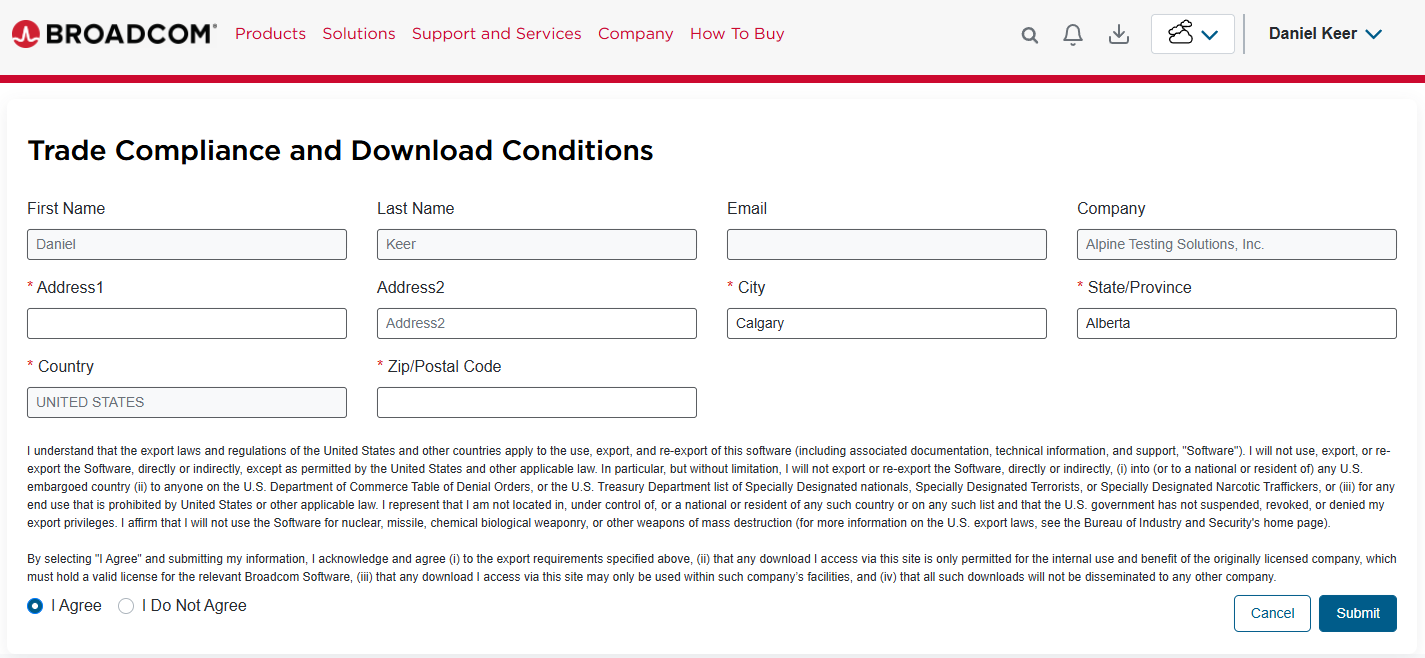
VMware by Broadcom uses the company Alpine Testing Solutions for exams and certification benefits for home labs. Because of this, you will see that the company name is set to Alpine Testing Solutions, and you can not change it. Because Alpine is based in the USA, you also can’t change the country.
What I did was fill out everything with my correct personal information, except the country, as I am from Canada, and I couldn’t change it.
- Once your account verification is completed, click on Generate Token again.
- Once the Generate Download Token page loads, click on Generate Token.

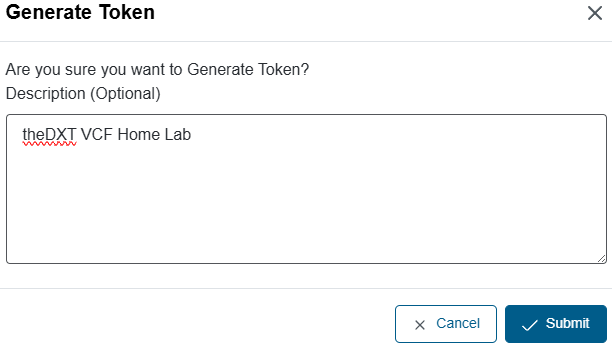
- Enter a description if you’d like and click Submit.
I will enter theDXT VCF Home Lab as my description.
- You will now see the token that you generated.
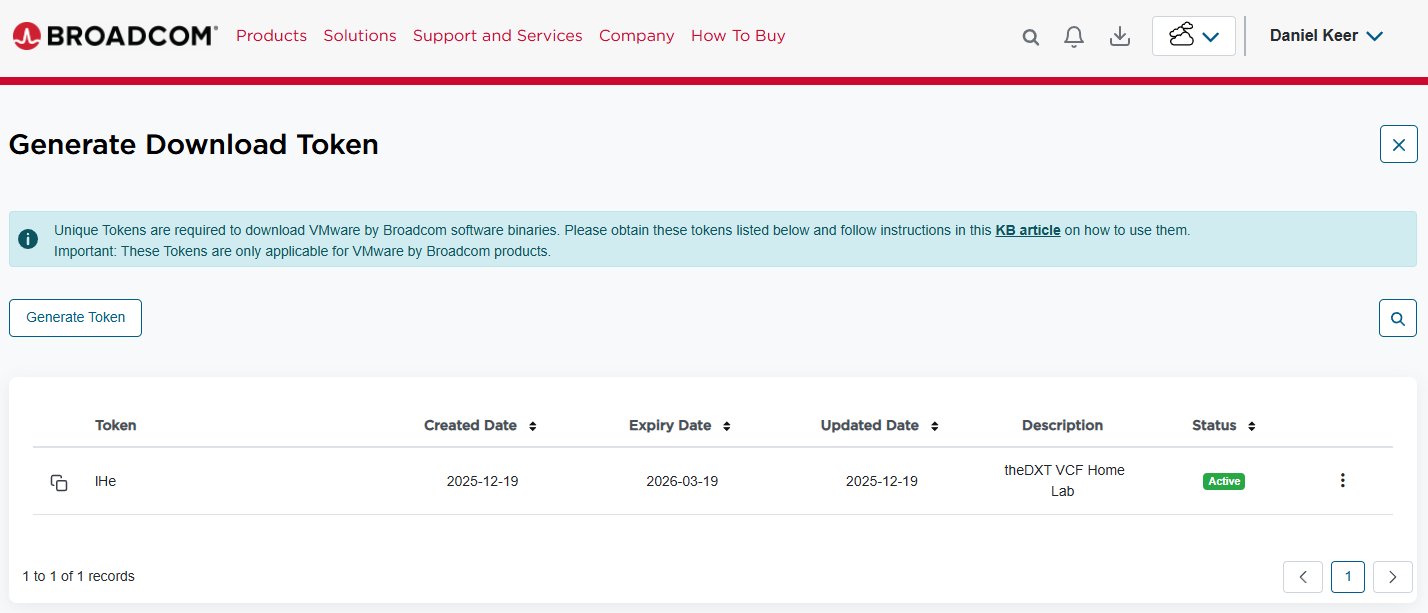
The expiry date you see is the date that you passed your VCP exam.
You can now use this token in your home lab, giving you access to downloads and the ability to license VCF 9.
For more information about generating home lab tokens, check out the VMware Code blog, specifically the post VMUG Advantage Home Lab License Guide by Eric Nielsen.