VMware vCenter Native Key Provider
VMware vCenter can be a key provider, which is perfect for using a vTPM (Virtual Trusted Platform Module). With VMware vSphere, you can configure a native key provider that VMware vCenter fully manages. No external key provider is needed. The native key can even be used to encrypt your VMs.
In this post, I will show you step-by-step how to add a Native Key Provider (NKP) to VMware vCenter.
The Process
- Login to VMware vCenter.
- Click on your vCenter.
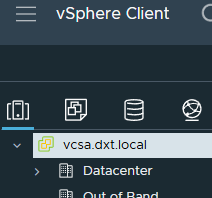
- Click on the Configure tab.

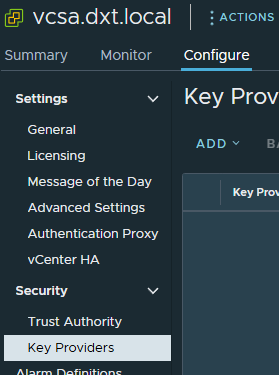
- Under the Security section, click on Key Providers.
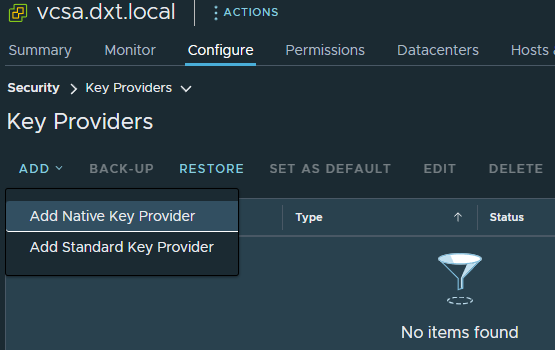
- Click on Add > Add Native Key Provider.
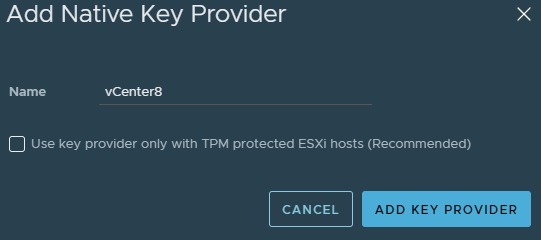
- Enter a name for your key provider and click on Add Key Provider.
If your hosts have physical TPMs, select the option to use key provider only with TPM protected ESXi hosts.
My hosts don’t, so I will leave that option unselected and use the name vCenter8.
Before you can use the Native Key Provider, you need to back it up.
- Select your Key Provider.
- Click on Back Up.

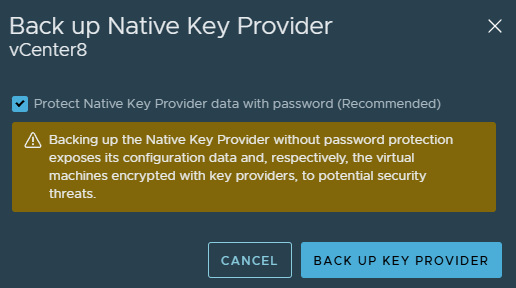
- Select Protect Native Key Provider data with password.
- Enter a password for the Native Key Provider backup.
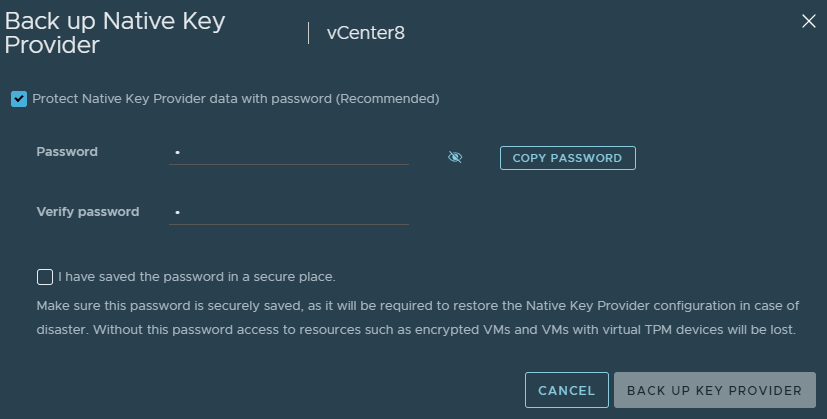
- Document the password for the Native Key Provider in a safe and secure place and select I have saved the password in a secure place, then click on Back Up Key Provider.
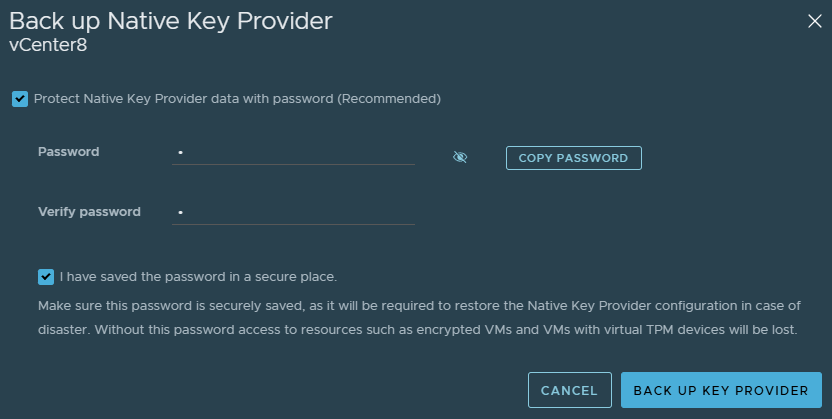
- Your native key backup will download as a p12 certificate file.
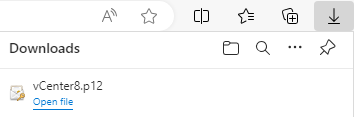
You can now begin using the Native Key Provider (NKP) in VMware vCenter.
That is all it takes to set up a Native Key Provider in VMware vCenter server. If you want to read more about vSphere Native Key providers, here is the Broadcom documentation.



3 thoughts on “VMware vCenter Native Key Provider”
Wow, I can not believe how simple it was to add a Native Key Provider to my vCenter server.
I thought I would have to create an external KMS server and link it back to vCenter, which would have been too much effort for the task.
As you North Americans say: “The juice ain’t worth the squeeze”.
I followed the steps in this article, and within a couple of minutes, I was able to provide my Windows 11 VM guests with a vTPM.
Many thanks from an IT tech in Europe!
I was also shocked how simple it was the first time too. Glad my post was able to help you.